As an Amazon Associate, we earn from qualifying purchases. Some links on this site are affiliate links at no extra cost to you. Our recommendations are based on thorough research and editorial judgment.


Why Wireless Keyboards and Mice Drain Batteries at Different Rates

Wireless keyboards drain batteries more slowly than mice primarily due to lower polling rates near 125 Hz and simpler circuitry that reduces energy use to as little as 0.1 mA after inactivity. Conversely, wireless mice, particularly gaming models with polling rates up to 1000 Hz, high-DPI sensors, and active LEDs, consume substantially more power, sometimes exhausting batteries within 6-8 hours under heavy use. Factors like sensor technology, backlighting, and user behavior further differentiate battery longevity, offering critical insights ahead.
Key Takeaways
- Wireless mice have higher polling rates and DPI settings, causing 20-40% more power consumption than wireless keyboards.
- Integrated LEDs and advanced features in mice increase battery drain compared to simpler keyboard designs.
- Continuous movement tracking and frequent clicking in mice rapidly deplete batteries, while keyboards use low-power sleep modes during inactivity.
- Environmental factors like temperature, surface type, and signal interference cause mice to consume more power than keyboards.
- Proper maintenance, such as cleaning sensors and adjusting settings, can reduce power use and extend battery life for both devices.
Key Differences in Power Consumption Between Keyboards and Mice
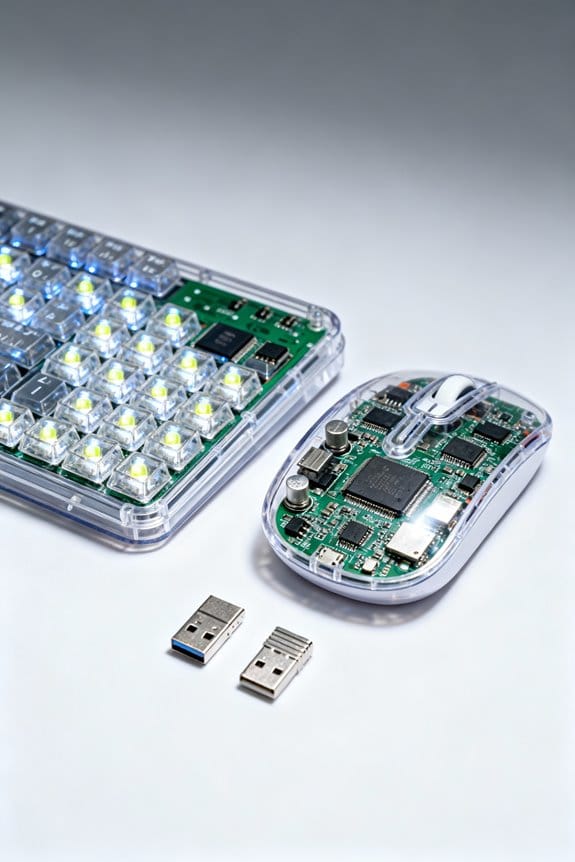
Wireless mice typically consume approximately 20-40% more power than standard keyboards due to their elevated polling rates—often set between 500 to 1,000 Hz—and higher DPI sensitivity settings that demand increased processing capabilities for precise, real-time tracking. These factors greatly amplify the energy consumption of wireless mice compared to keyboards, which primarily register simple key presses requiring minimal processing power. Gaming mice intensify this power drain further owing to advanced features like rapid response rates and customizable DPI settings, which enhance performance but reduce battery life. Additionally, the integration of LEDs in wireless mice, whether for aesthetic purposes or status indicators, contributes to increased power consumption, unlike keyboards that frequently employ fewer or less intense lighting options. Collectively, these elements result in wireless mice exhibiting remarkably shorter battery life and higher overall energy consumption than their keyboard counterparts. Choosing rechargeable batteries with higher capacity and smarter charging solutions can help mitigate frequent replacements caused by this increased power demand, promoting long-term value and sustainability.
Impact of Usage Patterns on Battery Life
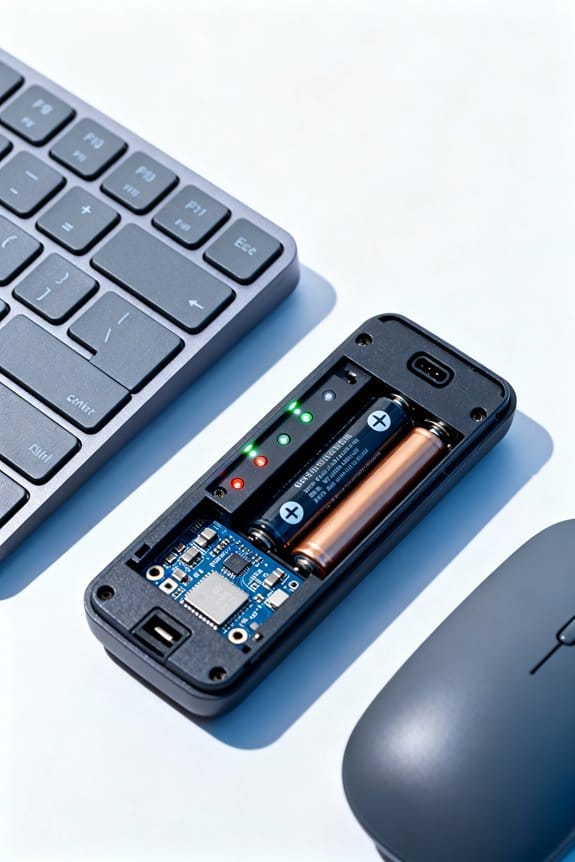
Although battery life varies greatly depending on usage intensity, patterns of interaction with input devices directly influence energy consumption rates and device longevity; for instance, mice engaged in continuous tracking and clicking during high-speed gaming—with polling rates ranging from 500 to 1000 Hz and DPI settings often exceeding 1600—can discharge batteries within as little as 6 to 8 hours under rigorous test conditions, whereas keyboards subjected to typical typing workloads, averaging 40 to 60 key presses per minute, consistently maintain operational status for several weeks on identical battery configurations. Wireless mouse battery drain is further accelerated by active LED lights used for tracking, while keyboards benefit from advanced power management systems that enable shifts into power-saving mode during inactivity. Hence, usage patterns critically dictate battery usage rates and overall mice battery life, emphasizing the importance of tailored power management features. Additionally, regular maintenance such as battery terminal cleaning can improve device power efficiency indirectly by ensuring better battery performance.
The Role of Sensor Technology in Mouse Battery Drain
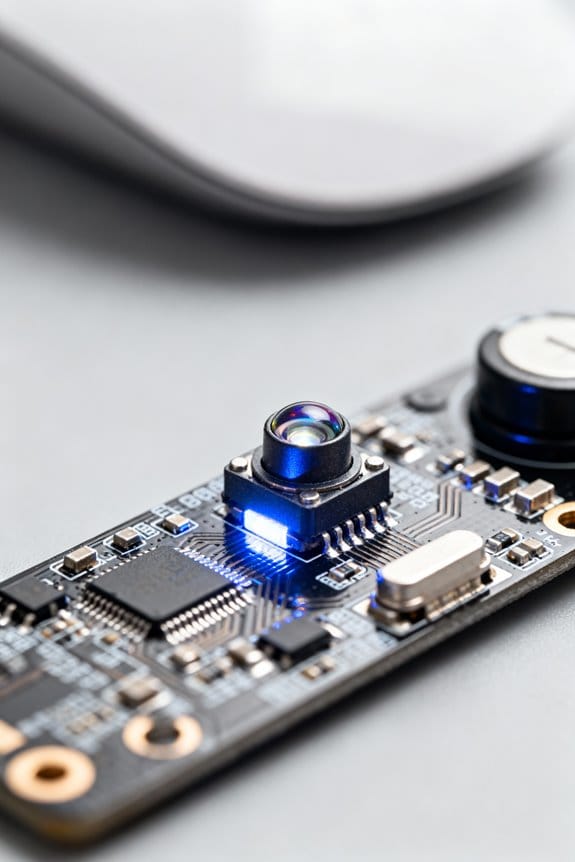
Battery consumption in wireless mice is heavily influenced by the sensor technology employed, with DPI settings ranging from as low as 400 to upwards of 16000 greatly impacting power draw due to increased processing demands; for example, gaming mice operating at 1000Hz refresh rates consume up to 30% more energy than standard models with 125Hz rates, as documented in controlled lab tests measuring current usage in milliamps over typical gaming sessions lasting several hours. The efficiency of the circuit design within the sensor plays a critical role in minimizing energy use, while integrated power-saving technologies such as low-power idle states extend battery life by reducing unnecessary consumption. Consequently, advanced sensor technology, combined with optimized circuit engineering, balances high-performance tracking and prolonged battery operation in wireless mice. Additionally, the durability and low-resistance contacts of battery holders used to power these devices can significantly influence overall energy efficiency and battery life.
Influence of Polling Rates and DPI Settings
The interplay between polling rates and DPI settings greatly affects power consumption in wireless mice, where polling rate denotes the frequency—measured in Hertz (Hz)—at which the device communicates cursor position to the host computer, with common values ranging from 125Hz to 1000Hz; higher rates, such as 1000Hz, result in approximately 20-30% greater current draw compared to lower rates, as evidenced by amperage measurements taken during extended usage scenarios. Additionally, DPI settings influence battery consumption because higher sensitivity demands more processing power, increasing the wireless mouse’s overall power usage. Gaming mice, operating at elevated polling rates and DPI configurations, display greatly reduced battery life during continuous use, compared to standard keyboards with lower settings. Manufacturers often emphasize these parameters to highlight their effects on battery life, aiding consumers seeking efficient power management without compromising performance. Efficient charging and maintenance of batteries using automatic battery chargers can help offset the impact of high power consumption by wireless peripherals.
Effects of Backlighting and Illumination on Wireless Devices
Beyond the influence of polling rates and DPI settings on wireless mice’s power demands, illumination features such as backlighting and RGB effects introduce additional energy consumption variables impacting overall battery longevity. Backlighting on wireless keyboards consumes between a few milliwatts to several hundred milliwatts depending on brightness, greatly increasing battery drain, with some models offering fewer than 10 hours of continuous usage at maximum illumination. RGB lighting in wireless mice can reduce battery life by 20-30% due solely to lighting effects. Performance-focused gaming devices often prioritize elaborate illumination over endurance. Many wireless devices allow users to adjust backlighting levels or disable it entirely, which can extend battery life, potentially doubling or tripling usage time by reducing power consumed by lighting. This trade-off remains a critical consideration in wireless device design and user preference. Proper battery storage conditions can also influence device battery performance and longevity over time.
Battery Types and Their Performance in Keyboards and Mice
Energy storage technologies play a critical role in determining the operational efficiency and lifespan of wireless keyboards and mice, as various battery chemistries deliver distinct voltage outputs, current capacities, and discharge rates that directly influence device performance. Wireless mice often employ lithium batteries, including lithium-ion cells, which provide up to three times the battery life compared to typical alkaline batteries commonly found in wireless keyboards. Keyboards generally operate within a voltage range of 1.8V to 3.3V and draw about 3mA, leading to quicker battery depletion under less efficient power conditions. Additionally, wireless mice feature advanced settings such as high DPI settings and faster polling rates, increasing energy consumption. Battery types greatly impact performance and longevity, with lithium batteries favored for their stable output and capacity, whereas alkaline batteries offer moderate performance suitable for lower-consumption devices like keyboards. Incorporating devices designed with energy-efficient technology similar to that used in LED low voltage outdoor lighting can significantly extend battery life.
Power Management Features and Sleep Modes
Effective power management constitutes a critical factor in prolonging the operational lifespan of wireless input devices, as many keyboards incorporate sophisticated sleep modes that reduce current draw to as low as 0.1mA during inactivity periods exceeding 30 seconds, thereby conserving battery resources substantially when compared to wireless mice that often remain fully operational or enter less efficient low-power states. Wireless keyboards frequently adjust their polling rates dynamically based on usage, optimizing power consumption, whereas wireless mice, especially those designed for gaming, maintain high polling rates near 1000Hz, resulting in increased power draw and faster battery depletion. Additionally, wireless keyboards typically exhibit faster wake-up times, enhancing user experience without sacrificing battery life, while the more demanding functionalities and continuous operation of many wireless mice contribute to their comparatively rapid battery drain despite existing power management features and sleep modes. Using battery health monitoring features can help users track and optimize device battery performance for longer usage.
Environmental and External Factors Affecting Battery Life
While power management strategies like sleep modes and adjustable polling rates greatly influence battery longevity in wireless keyboards and mice, external and environmental conditions also play a measurable role, often undermining even the most efficient designs. Environmental factors such as temperature extremes, especially cold conditions below 10°C, reduce battery performance by approximately 15%, shortening device runtime. Wireless signal interference from routers and cordless phones increases power consumption by up to 20%, as devices boost signal strength for stable connectivity. Tracking movement on dark or textured surfaces raises energy use in mice, while accumulated dust and dirt on sensors or beneath keys force compensatory power draw. Additionally, keyboards lacking a proper low-power state during inactivity deplete batteries faster than mice with efficient sleep modes. These combined environmental and external factors markedly affect real-world battery life consistency. Regular maintenance with battery terminal cleaning tools can help optimize battery performance and extend device lifespan.
Design and Hardware Efficiency Considerations
Although wireless keyboards and mice serve similar functional roles, their design and hardware components exhibit significant differences that directly influence battery efficiency; keyboards generally consume less power due to simpler circuitry and lower polling rates—often around 125Hz—while mice, particularly gaming models with polling rates up to 1000Hz and advanced optical sensors, require considerably more energy. The circuit efficiency in keyboards, characterized by minimal switches and low-refresh-rate components, contrasts with mice that integrate complex sensors and customizable RGB lighting, elevating power demands. Moreover, battery power management strategies differ significantly: keyboards typically implement deeper sleep modes reducing energy use, whereas mice sustain higher operation states to maintain a responsive wireless mouse experience. Consequently, the design choices in polling rate and circuit complexity decisively impact battery drainage between these devices. Understanding these differences is crucial for selecting devices with weatherproof durability features suitable for long-term use in various environments.
User Behavior and Its Impact on Device Longevity
Differences in hardware design and polling rates establish a baseline for power consumption; however, user behavior frequently acts as a variable modifier, greatly impacting battery longevity in wireless keyboards and mice. Frequent clicks and intense movements accelerate battery drain, especially in wireless mice battery designed for gaming, which consume power at rates up to 30% higher than standard office peripherals. Continuous use of high-DPI settings directly correlates with increased energy consumption, underscoring the need to optimize battery usage by adjusting sensitivity based on task demands. Additionally, features like customizable RGB lighting, common in performance devices, contribute to faster power source depletion. Users leaving devices powered on during idle periods also exacerbate battery drain. Consequently, user behavior, including interactive intensity and feature usage, profoundly influences device longevity beyond inherent hardware efficiencies. Using a universal battery tester can help users monitor battery health and optimize replacement timing to maintain device performance.
Maintenance and Best Practices to Extend Battery Life
Given that power management in wireless keyboards and mice is critically linked to both hardware efficiency and user habits, implementing consistent maintenance routines and adopting best practices can greatly extend battery life by up to 20-30%. To enhance battery life, users should clean the mouse regularly, especially the laser lens, to improve tracking efficiency and minimize unnecessary power consumption. Adjusting DPI settings and polling rates to moderate levels can further reduce energy demand without compromising responsiveness. Utilizing built-in power-saving modes and turning devices off when idle prevents needless battery drain. Furthermore, environments free of dust improve tracking precision, supporting efficient power use. Frequent inspection and timely replacement of batteries with reputable brands guarantee stable, long-lasting power, thereby maintaining peak device performance over extended periods.
Frequently Asked Questions
Why Do Wireless Mice Consume More Battery?
Wireless mice consume more battery due to their advanced sensor technology and higher tracking precision demands. Combined with intense usage patterns and power-hungry wireless connectivity, design efficiency and battery types struggle to offset this elevated power consumption.
How Can Battery Life Be Conserved in Wireless Keyboards and Mice?
Battery saving in wireless keyboards and mice improves through optimized device settings, adherence to manufacturers guidelines, effective power management, and energy efficiency. Responsible usage habits and selecting rechargeable options further extend operational lifespan and reduce frequent replacements.
Does Bluetooth or 2.4 GHZ Use More Battery on a Mouse?
Bluetooth efficiency typically results in lower power consumption than 2.4 GHz comparison. Device connection quality, battery size, signal strength, and user habits also influence overall drain rates, with 2.4 GHz generally using more energy on a mouse.
How Long Should Batteries Last in a Wireless Keyboard?
Battery lifespan in wireless keyboards can last a lifetime—or at least 4 to 12 months—depending on usage habits, power efficiency, keyboard features, manufacturing quality, battery types, and overall energy consumption during typical operation.