As an Amazon Associate, we earn from qualifying purchases. Some links on this site are affiliate links at no extra cost to you. Our recommendations are based on thorough research and editorial judgment.

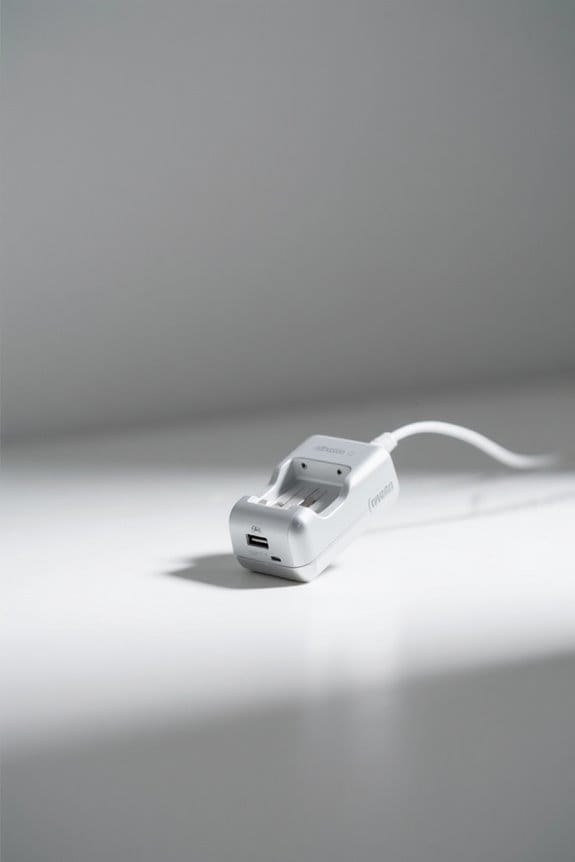
How to Properly Maintain Your Battery Charger

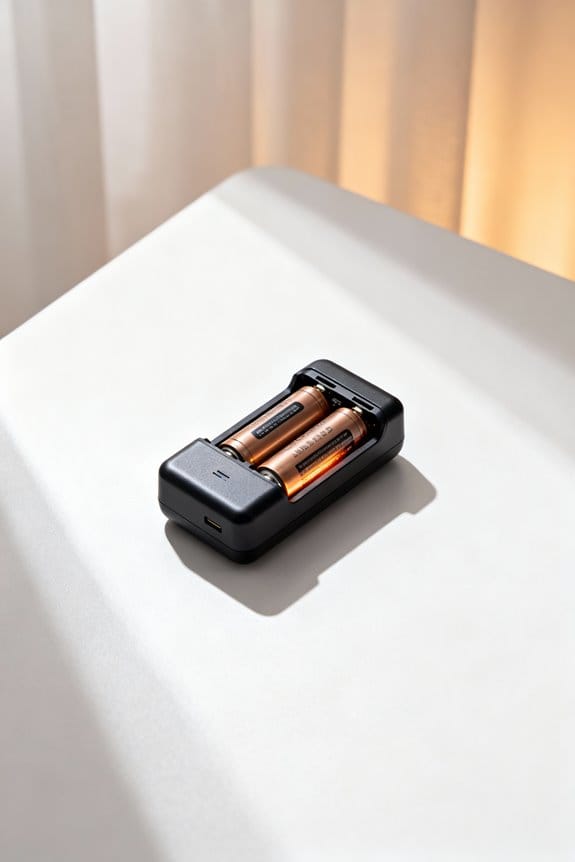
Proper battery charger maintenance involves monthly cleaning with dry, soft cloths, focusing on ventilation areas and charging ports to prevent dust buildup, which can impair efficiency and cause overheating; temperature should be regulated between 15-35°C to optimize performance and maintain charging efficiency above 90%. Regular inspection for physical damage, inconsistent charging speeds, or frequent surges is essential, alongside unplugging after use and storing in a cool, dry place below 60% humidity. Advanced models offer automatic shutoff and overcharge protection. Further guidance details safe handling and diagnostic techniques.
Key Takeaways
- Clean the charger monthly using a dry or slightly damp cloth, focusing on ventilation and charging ports to prevent dust buildup and overheating.
- Regularly inspect the charger for physical damage, frayed wires, overheating, and inconsistent charging speeds to detect wear and malfunction early.
- Store the charger unplugged in a cool, dry place between 10°C and 25°C with humidity below 60%, wrapping cords neatly to avoid damage.
- Unplug the charger promptly after use to prevent overcharging stress and reduce phantom power consumption for better efficiency and safety.
- Use high-quality chargers with automatic shutoff and appropriate settings matched to battery types to optimize charging performance and prolong lifespan.
Importance of Regular Battery Charger Maintenance
Conducting regular maintenance on battery chargers involves systematic inspection, cleaning, and correct storage practices, which collectively guarantee extended operational lifespan and consistent performance metrics, such as charging efficiency rates above 90% and temperature regulation within manufacturer-recommended limits (typically 15-35°C). Implementing scheduled maintenance safeguards against overheating and mitigates safety risks by identifying wear indicators early, thereby preventing potential damage to both charger and battery. Consistent upkeep is essential to extend the life of chargers by minimizing exposure to moisture and excessive heat, factors that degrade reliability and power delivery. Furthermore, maintenance routines promote a clean battery interface and uninterrupted power flow, supporting peak battery performance and lifespan. Neglecting these procedures leads to erratic charging speeds and reduced functional integrity of charging devices, ultimately compromising user safety and investment. Additionally, utilizing smart technology in chargers optimizes charging efficiency and ensures battery health by adjusting current settings and providing safety features like overcharge protection.
Proper Cleaning Techniques for Battery Chargers
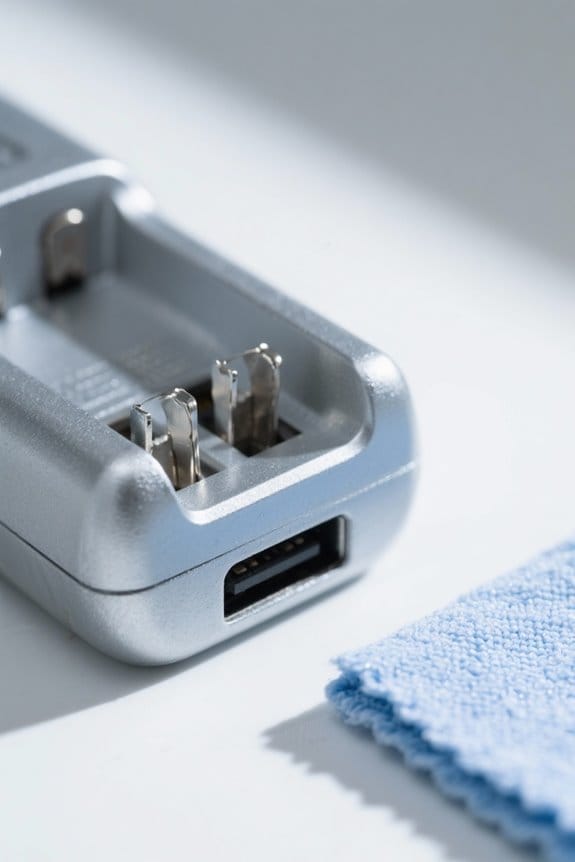
Several essential cleaning techniques confirm battery chargers maintain peak function and safety standards by minimizing dust accumulation and preventing abrasive residue build-up on critical components, such as contacts and ventilation openings; for instance, utilizing a dry, soft cloth to remove surface particles followed by a slightly dampened cloth application can effectively eliminate grime without introducing moisture, provided the device is completely unplugged before cleansing to eliminate electrical hazards. Regular proper cleaning—ideally monthly—prevents dust and debris from impairing charger performance or causing excessive heat build-up, which can reduce battery longevity. Attention to well-ventilated areas during cleaning helps dissipate heat, while maintenance tips emphasize meticulous clearing of contact points to confirm efficient energy transfer. These cleaning techniques, coupled with storing the charger in a dry storage box, collectively extend charger lifespan and optimize batteries’ charging efficacy. It’s important to note that advanced models, such as the FOXWELL NT301 Plus, often come with built-in maintenance modes that further assist in maintaining battery health and performance.
Recommended Products
The Alpha 9 III introduces the world's first full-frame sensor with a global shutter, capturing fast-moving subjects without distortion, thanks to simultaneous pixel exposure and reading.

The Alpha 9 III introduces the world's first full-frame sensor with a global shutter, capturing fast-moving subjects without distortion, thanks to simultaneous pixel exposure and reading.

Sony USA Authorized. Bundle Includes: Sony a7R V Mirrorless Camera + Sony FE 24-70mm f/2.8 GM II Lens (Sony E), 64GB Memory Card, 3 Piece Filter Kit, Photo Software, Soft Bag, NP-FZ100 Battery, NP-FZ100 Charger, Memory Card Reader, Flexible Tripod, Memory Card Wallet, Cleaning Kit
Effective Storage Practices to Protect Chargers
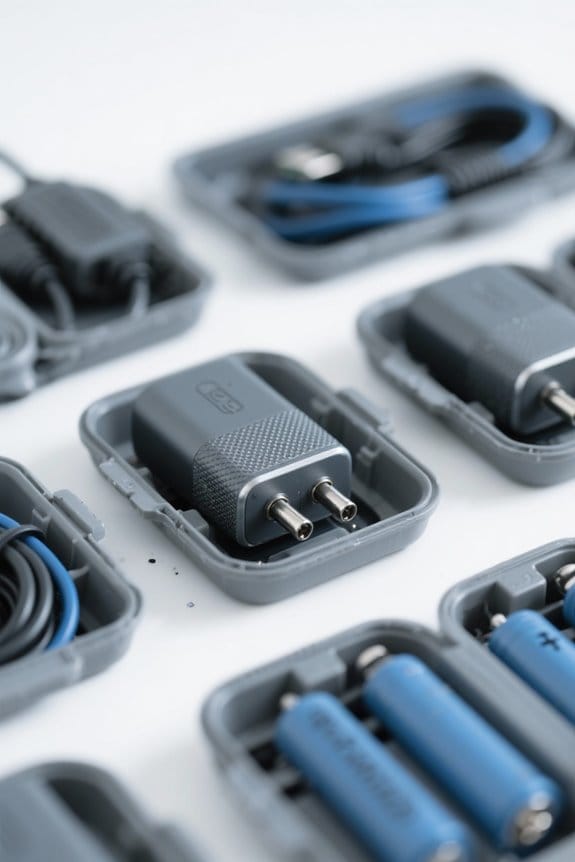
A handful of fundamental practices guarantee battery chargers remain in peak condition during periods of non-use, including consistently unplugging the device to eliminate risks of electrical damage or phantom power consumption, and storing it in an environment with temperatures ranging between 10°C and 25°C and relative humidity below 60% to prevent internal component degradation caused by moisture or thermal stress. To store your charger effectively, maintenance steps include placing it in a cool, dry place such as a cupboard, keeping the charging cord neatly wrapped to avoid internal damage, and positioning it away from high traffic areas to reduce accidental harm. Many chargers feature safety mechanisms such as reverse polarity protection and automatic shut-off to prevent overcharging, which adds an extra layer of security during storage. These precautions help maintain the performance of your charger by preventing unexpected power surges and environmental stressors, ensuring reliable functionality and longevity.
Recommended Products

GL722 Dual Grade Laser for long range, high accuracy elevation control; Automatic self-leveling, advanced radio remote, grade matching, Planelok, and automatic axis alignment allow quick and accurate set-ups for any fine grading or major construction project

Bundle Includes: 1 x Sony Alpha a7S III Mirrorless Digital Camera (Body Only), 1 x Sony FE 24-70mm f/2.8 GM Lens, 1 x SanDisk SecureDigital 64GB Extreme PRO Memory Card, 1 x NP-FZ100 Rechargeable Battery, 1 x Corel Photo Software With PhotoMirage, AfterShot, Painter Essentials, PaintShop Pro, and Video Studio, 1 x Large Padded Case, 1 x NP-FZ100 charger, 1 x Memory Card Reader, 1 x Deluxe Cleaning Set, 1 x 12 Inch Flexible Tripod, 1 x Memory Card Wallet

CANON USA AUTHORIZED - INCLUDES FULL USA WARRANTY | CANON EOS R6 MARK III Full-Frame Mirrorless Camera: The Professional Hybrid Tool. You demand speed, resolution, and cinema-grade versatility. The R6 Mark III delivers. This camera is engineered for professionals who cannot compromise on stills or video performance.
Identifying Signs of Wear and Damage
Proper identification of wear and damage in battery chargers becomes just as important as effective storage, since early detection can greatly reduce operational risks and prolong device longevity. Signs of wear often include visible physical damage, such as frayed wires or cracks in the casing, which compromise safety and typically require immediate intervention or replacement. Overheating during operation, often due to internal failure, signals hazardous conditions and reduced charger efficiency. Additionally, inconsistent charging speeds or situations where the battery isn’t holding a charge despite adequate connection, indicate progressive wear and tear. Frequent power surges while charging further underscore potential malfunction. Ensuring each charger in a safe working environment undergoes routine inspections for these indicators maximizes both efficiency and lifespan, preventing costly failures that might lead to hazardous outcomes or diminished performance in connected batteries. Battery health monitors can help extend the life of your charger by providing early diagnostics and alerts for potential issues.
Recommended Products

elf-Heating Technology for Reliable Winter Performance: Equipped with an advanced self-heating function, the WT5100 51.2V 100Ah LiFePO4 battery automatically warms battery cells in low-temperature environments to support safer charging and improved winter performance. Compared with standard lithium batteries, this 48V server rack battery delivers more reliable power in cold climates, making it ideal for solar energy storage, off-grid systems, cabins, RV power, and home battery backup.

UNMATCHED POWER AND PERFORMANCE: The Baja Wrangler 2 features 7.7 peak HP dual motors and a maximum weight capacity of 450 Lbs, making it a powerful and reliable choice for all your outdoor mobility needs.

【Top-Flight Performance 】The 51.2V 100Ah liFePO4 battery is manufactured by 16Pcs Automotive Grade A grade prismatic cells with higher energy density, more stable performance & greater power. And has a compact 5.12kWh energy, which is equivalent to 4pcs 12V 100Ah LiFePO4 batteries in 4S (or even 8pcs 12V 100Ah AGM batteries in 8S). Fully compliant with the UL1973 safety standard and certified by Intertek ETL for reliable safe operation.
Best Practices for Maintaining Charger Efficiency
Maintaining charger efficiency involves routine cleaning, environmental control, and adherence to specified charging parameters, each playing a critical role in maximizing device performance and longevity. To enhance a battery charger’s performance, it is essential to regularly clean contacts and connectors with a soft cloth, preventing dust buildup that can cause overheating and reduce chargers effectiveness. The charger should be kept in a cool, well-ventilated area, avoiding coverings that obstruct airflow. Users must unplug the charger promptly once the battery is full to prevent overcharging, which degrades battery life and stresses the device. Charging settings must match the specific battery type and adhere to maintenance recommendations, such as charging at 1-2% of battery capacity, to guarantee peak efficiency and prolong battery longevity. Additionally, consider using fireproof and splash-proof features for enhanced safety during transportation and storage of chargers and batteries.
Recommended Products

Included Items: 1 x Canon EOS R5 C Mirrorless Cinema Camera, 1 x Canon RF 24-70mm f/2.8 L IS USM Lens, 1 x Sony 64GB UHS-II U3 TOUGH SD Card, 1 x 3 Piece Filter Kit, 1 x Soft Bag, 1 x External Battery Charger, 1 x LPE6 Battery, 1 x Memory Card Reader, 1 x Corel Photo Software With PhotoMirage, AfterShot, Painter Essentials, PaintShop Pro, and Video Studio, 1 x Micro HDMI Cable, 1 x 12_inch Flexible Tripod, 1 x Hand Strap, 1 x Memory Card Wallet, 1 x Lens Cap Keeper, 1 x Cleaning Kit

Bundle Items Include:Nikon Z8 Professional Full Frame Mirrorless 8K Video & Stills Hybrid FX Camera, Nikon NIKKOR Z 180-600mm f/5.6-6.3 VR Lens (Nikon Z), 64GB Memory Card, EN-EL15c Replacement Battery, External Battery Charger, Soft Bag, Photo Editing Software, Memory Card Reader, 3 Piece Filter Kit, 12" Flexible Tripod, Cleaning Kit, Memory Card Wallet, Hand Strap, Lens Cap Keeper
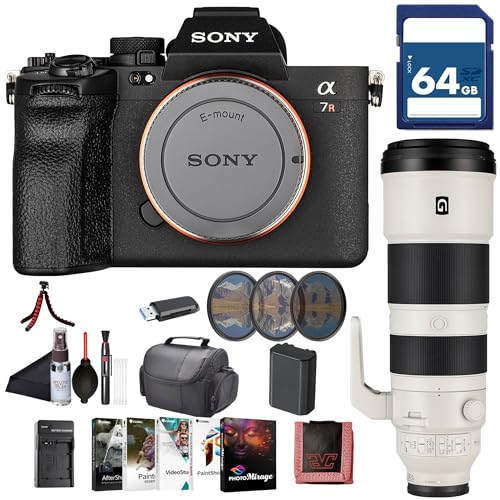
Sony USA Authorized. Bundle Includes: Sony a7R V Mirrorless Camera + Sony FE 200-600mm f/5.6-6.3 G OSS Lens, 64GB Memory Card, 3 Piece Filter Kit, Photo Software, Soft Bag, NP-FZ100 Battery, NP-FZ100 Charger, Memory Card Reader, Flexible Tripod, Memory Card Wallet, Cleaning Kit
Handling and Protecting Charger Cables
Numerous factors contribute to the longevity and safety of charger cables, with careful handling and diligent protection playing crucial roles in preventing internal wire fractures that compromise electrical continuity and elevate risks of short-circuits or fire hazards. Charger cables must be handled without sharp bends or twists, as these stresses cause internal damage reducing performance and increasing safety hazards, including electrical shock. Regular inspection to detect frayed or exposed wires is essential, with immediate replacement advised upon any sign of damage. Properly storing charger cables—loosely coiled and away from heat or moisture—helps maintain cable integrity and function. Additionally, using protective sleeves during transport prevents physical damage and entanglement, which further protects cable lifespan and overall charger safety. For outdoor installations like lighting, rustproof finishes ensure longevity and resistance to environmental elements.
Troubleshooting and When to Replace Your Charger
How can users effectively determine when a battery charger requires troubleshooting or replacement? Regularly monitor the charger for physical damage, such as cracks or frayed cables, which are a clear sign of compromised safety and performance. If the device frequently overheats or fails to fully charge batteries within expected timeframes—typically two to four hours for standard chargers—this indicates potential internal malfunction. Exposure to frequent power surges also suggests underlying issues, warranting professional evaluation or replacement. Inspecting charging ports for accumulated dust helps prevent inefficiencies. When charging speeds fluctuate by more than 20% under controlled conditions, it signals possible degradation. Prompt identification and addressing of these indicators maintain peak functionality, preventing damage to connected batteries and maintaining overall charger integrity. Utilizing battery reconditioner chargers with advanced safety features and automatic shutoff mechanisms can further enhance the longevity and efficiency of your charging devices.
Recommended Products

UL1973 Certified, UL9540A Tested & CEC Listed:The WT5100 51.2V 100Ah LiFePO4 battery has completed rigorous safety testing and meets key North American standards for residential energy storage. Designed for electrical safety, thermal runaway management, and dependable long-term performance, this 48V server rack battery is ideal for solar energy storage, home battery backup, and residential ESS systems.

Self-Heating Function: Automatically activates when charging at -20°C to 5°C (-4°F to 41°F). Choose between Regular and Energy-efficient heating modes via the LiTime APP for optimal cold-weather performance.

Limited-Time Perks: E10 Metal Pad, Up to 12-Month 0% APR
Frequently Asked Questions
How Do You Maintain a Battery Charger?
Maintaining a battery charger involves voltage management and avoiding overcharging risks. Proper storage conditions, considering environmental impact, charger compatibility, and monitoring charging frequency support battery health. Regular maintenance tips guarantee lifespan extension and ideal charger performance.
Is It Better to Charge to 80% or 100%?
Charging lithium-ion batteries to 80% maximizes battery health by reducing temperature effects and stress from full charge, thereby extending battery lifespan and increasing charging cycles. Smart chargers enhance energy efficiency through ideal charging strategies.
What Is the 80 20 Rule for Charging Batteries?
The 80/20 rule for battery charging recommends recharging when battery capacity drops to 20%, optimizing charging cycles and battery health. This approach enhances battery longevity, charge efficiency, and energy management, often supported by smart chargers for eco-friendly charging.
What Kills the Battery the Most?
Like a wilting flower under harsh sun, battery lifespan suffers most from overcharging effects and heat damage. Deep discharges, voltage fluctuations, cold environments, and frequent cycling also erode its significance, worsened by age factors and poor maintenance.