As an Amazon Associate, we earn from qualifying purchases. Some links on this site are affiliate links at no extra cost to you. Our recommendations are based on thorough research and editorial judgment.

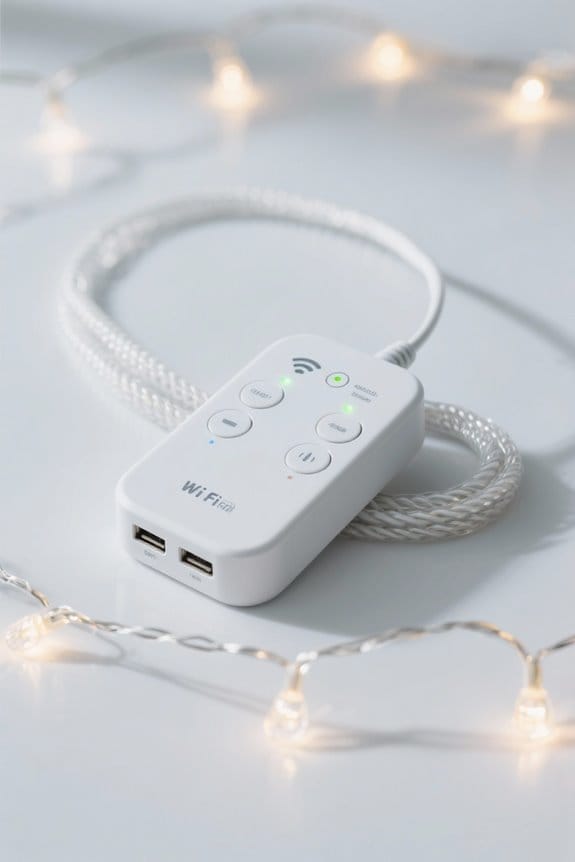
How Smart String Lights Connect to Your WiFi Network

Smart string lights connect to a WiFi network by first entering pairing mode, typically triggered by toggling power 3 to 5 times until rapid blinking indicates readiness. Users then access a dedicated app, such as Smart Life, to input 2.4 GHz WiFi credentials, as 5 GHz networks are incompatible. Connection stability depends on an effective indoor range of up to 150 feet and strong signal strength. Detailed setup also involves assigning device IDs and verifying network communication. Further exploration reveals customization and automation features.
Key Takeaways
- Activate pairing mode on the smart string lights by toggling power 3 to 5 times until rapid blinking occurs.
- Connect your smartphone to a stable 2.4 GHz WiFi network before adding the smart string lights.
- Use the Smart Life app or compatible app to select the 2.4 GHz WiFi network and enter credentials.
- Follow in-app instructions to confirm the connection and complete pairing with the smart string lights.
- Ensure device remains within effective WiFi range and stable signal for uninterrupted control and customization.
Preparing Your Smart String Lights for Pairing
Ensuring a successful connection, preparing smart string lights for pairing requires verifying that the compatible WiFi-enabled bulb is securely screwed into the socket and powered on, as improper installation can impede connectivity. Activation of pairing mode occurs by toggling the bulb’s power state 3 to 5 times until a rapid blinking signal confirms readiness. Users must confirm compatibility with the specified app—such as Nanoleaf or Smart Life—per manufacturer instructions, to prevent configuration conflicts. Equally critical is connecting the controlling smartphone to a stable 2.4 GHz WiFi network, since most smart bulbs reject initial setup via 5 GHz frequencies due to hardware constraints. Following these preparatory steps establishes a reliable baseline for the smart string lights to interface properly, minimizing connectivity errors before moving forward with device registration or customization. It’s important to assess energy efficiency when choosing smart string lights, as options like LED bulbs provide longer lifespans and lower energy consumption.
Installing and Launching the Smart Life App
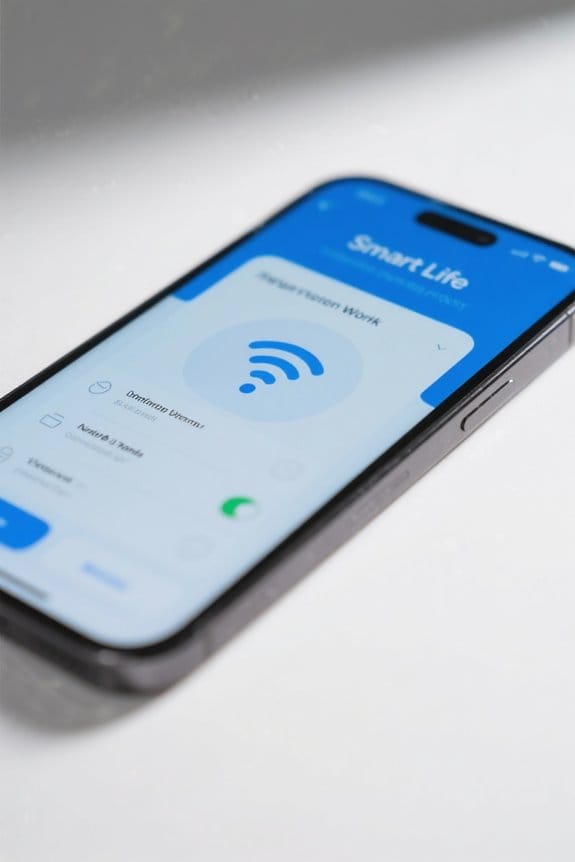
Downloading and installing the Smart Life App, available on both iOS and Android platforms, initiates the process of connecting smart string lights to a compatible WiFi network, which must operate at a stable 2.4 GHz frequency due to hardware constraints inherent in most smart lighting devices. Upon launch, users are required to create a new account or log in to an existing one, ensuring secure access to smart home management features. The app’s interface, designed for intuitive navigation, presents a plus (+) icon for adding devices once powered on and ready for setup. Explicit in-app instructions foster seamless integration, guiding users through network connections while verifying successful pairing, thereby enabling efficient control of smart string lights within a thorough smart home ecosystem. Many smart outdoor lights feature voice control and app management, allowing users to seamlessly integrate their lighting with voice assistants like Amazon Alexa and Google Home for greater convenience.
Recommended Products

[Permanent LED Lights with RGB+IC Technology & Independent Control] – Bring your home’s eaves, soffits, or roofline to life with fully addressable, color-changing LEDs. Through the Lepro app, you can customize every detail—assign colors, create DIY scenes, or turn off specific lights for comfort, like keeping areas near bedroom windows dark for better sleep. The app is continuously updated with new features.

PERMANENT OUTDOOR LIGHTING – Weatherproof and built to last in all seasons (-4°F to 131°F) as well as ETL and NEC compliant for safety while 4ft. spacing provides the perfect glow for luxurious accent lighting

【Vibrant Outdoor Lighting】Unlike traditional RGB lights, our upgraded RGB+IC technology lets each segment display multiple colors simultaneously—creating dynamic rainbow flows, chasing effects, and smooth gradients. Whether for Halloween, Christmas, daily patio lighting, or party decorations, these outdoor lights instantly enhance your home’s atmosphere.
Adding Your Smart String Lights to the App
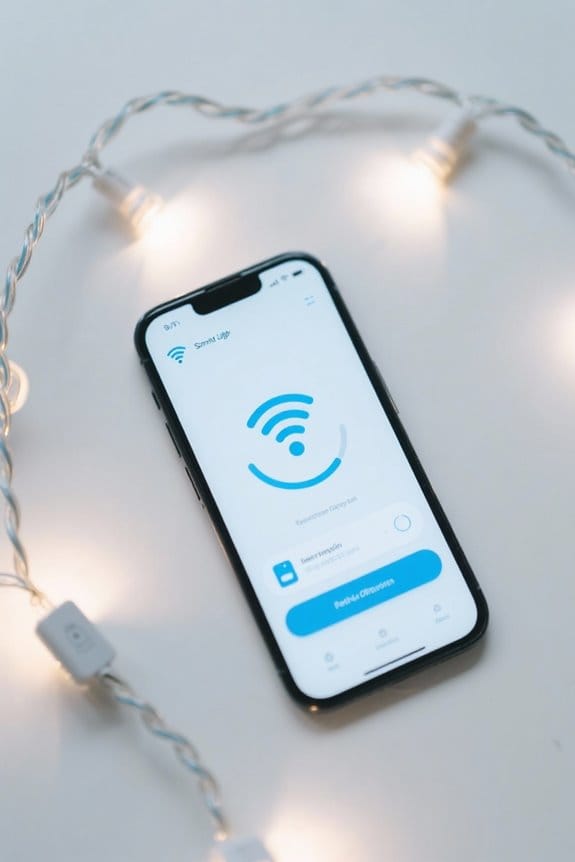
After installing and launching the Smart Life App and establishing a secure connection with a 2.4 GHz Wi-Fi network, the next step involves adding the smart string lights for optimized operation. Users must first activate pairing mode on the lights by toggling the power rapidly 3-5 times until the lights blink, signaling readiness for connection. Upon launching the Nanoleaf App and logging in or creating an account, the user selects the 2.4 GHz Wi-Fi network and inputs the corresponding credentials, as these lights support only 2.4 GHz frequencies. The app then confirms successful addition of the smart string lights, enabling customization of brightness and color settings. Managing multiple devices is streamlined within the app, allowing simultaneous control and configuration, thereby enhancing user efficiency across diverse smart lighting systems. The IP65/IP67 ratings ensure reliability of smart string lights in varied weather conditions, providing confidence in their use throughout the year.
Recommended Products

Smart Landscape Lighting – Control and customize these premium-quality landscape lights using the free Enbrighten app – available on the Apple App Store and Google Play (2.4GHz Wi-Fi required)

Upgrade Pro Version: Illuminate your outdoor space with Lumary's smart landscape lights Pro, which provide total of 3000lm brightness and 36W output, excellent performance makes it the ideal choice for your exterior lighting. Feature RGBAICW 2200K-6500K, and brightness 1-100% adjustable. Turnable to impressive amber-like colors, and create elegant feelings for any occasion or mood

Updated and upgraded to include Smart and telemetry features along with a modern and higher visibility trim scheme
Connecting Your Device to a 2.4 GHz WiFi Network
A reliable connection between smart string lights and a 2.4 GHz WiFi network is foundational for seamless operation, as these devices lack compatibility with 5 GHz frequencies that typically offer higher bandwidth but shorter range. Users must verify their router broadcasts a stable 2.4 GHz signal, confirming the device remains within the effective range, usually up to 150 feet indoors. Inputting correct WiFi credentials into the lighting app enables pairing and allows control features such as the ability to adjust brightness remotely. Verifying network stability includes testing other connected devices on the same network. If connectivity issues occur, inspecting router permissions for smart devices and performing a restart may resolve them. This process guarantees responsive control and ideal function in varying environmental conditions. Additionally, ETL certification for outdoor safety is crucial for ensuring smart string lights meet electrical and thermal safety standards.
Recommended Products

PERMANENT OUTDOOR LIGHTING – Weatherproof and built to last in all seasons (-4°F to 131°F) as well as ETL and NEC compliant for safety

PERMANENT OUTDOOR LIGHTING – Weatherproof and built to last in all seasons (-4°F to 131°F) as well as ETL and NEC compliant for safety

Smart Landscape Lighting – Control and customize these premium-quality landscape lights using the free Enbrighten app – available on the Apple App Store and Google Play (2.4GHz Wi-Fi required)
Finalizing Setup and Customizing Your Lights
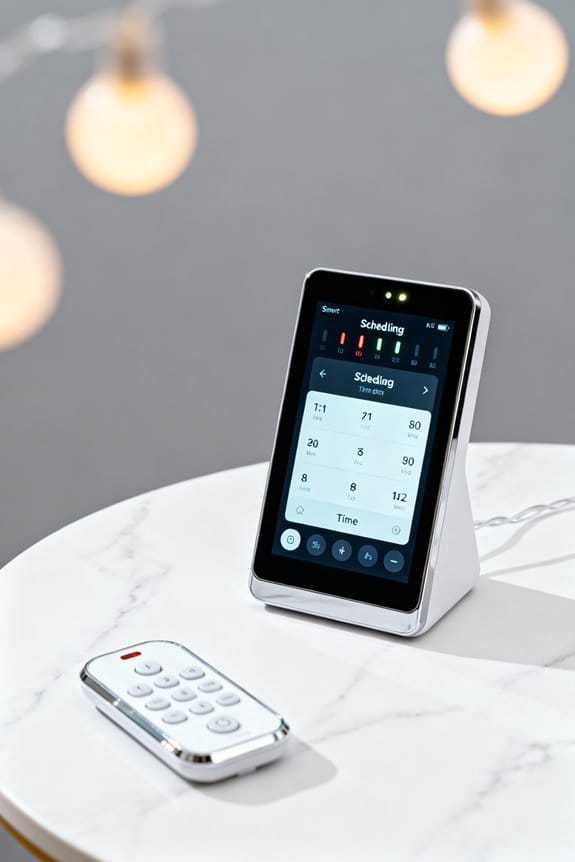
Completing the setup process involves assigning a unique identifier to the smart string lights within the controlling app, facilitating simplified management when operating multiple devices across a network; this feature is particularly advantageous in environments where distinguishing between units based solely on physical placement is impractical. Users can rename devices to enhance interface navigation and adjust settings such as brightness levels, on/off states, and select from over 16 million colors, including dynamic gradient changes and pattern customizations. Scheduling and automation functions enable energy-efficient operation by programming light activity at specific times. Make certain the WiFi connection remains stable on a 2.4 GHz network for uninterrupted control. When selecting smart string lights, consider IP65-rated lights for superior weatherproofing and durability in outdoor settings. For troubleshooting or advanced configuration inquiries, contact us to guarantee peak performance and resolve any connectivity issues promptly.
Recommended Products

🌞💡【120 / 240 Split Phase AC Output】12KW watts low frequency power inverter with transformer, 36kW watts Peak ,48 volts DC input. The inverter is split-phase and will output 110/120 Vac, and it can set via the LCD screen 50 or 60Hz Output. Support to run different batteries including Lead-Acid, GEL /Lithium battery,Compatible to mains voltage or generator which charge the battery or power the load. With lithium battery communication function.(Our products do not come with batteries)

Stream Lights show you which notes to play and when to play them, with four LED lights above each key. Lights move towards the keys to show the timing of the next note in the song.
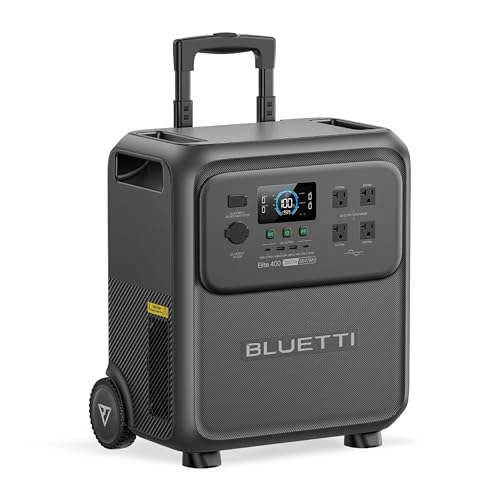
[Massive Capacity, Strong Power] - With 3840Wh capacity and 2600W output (surge to 3900W) reliably run everything from a refrigerator to power tools. Featuring 9 versatile ports, Elite 400 is the perfect all-in-one power source for home emergencies, daily use, and weekend adventures.
Frequently Asked Questions
How Do Smart Lights Connect to Wi-Fi?
Smart lights connect to Wi-Fi using wireless protocols like 2.4 GHz Wi-Fi. They enter pairing mode to communicate with a smartphone app, allowing users to input network credentials and remotely control the lighting system once connected.
How to Connect Smart LED Strip Lights to Wi-Fi?
Smart LED strip lights connect to Wi-Fi by activating pairing mode, using a compatible app to add the device, and entering 2.4 GHz network credentials. Installation tips include ensuring signal strength and frequent power cycles for effective setup.
What Are the Disadvantages of Smart Lights?
Smart lights, like a double-edged sword, consume energy continuously and depend on stable WiFi networks. Their reliance on hubs complicates use, while software updates and security vulnerabilities can disrupt or threaten user privacy.
What Happens to Smart Lights When the Internet Goes Out?
When the internet goes out, smart light functionality is limited. Remote control, automations, and schedules fail, but basic features like on/off and brightness often remain accessible locally, especially if physical controls or compatible hubs are present.