As an Amazon Associate, we earn from qualifying purchases. Some links on this site are affiliate links at no extra cost to you. Our recommendations are based on thorough research and editorial judgment.

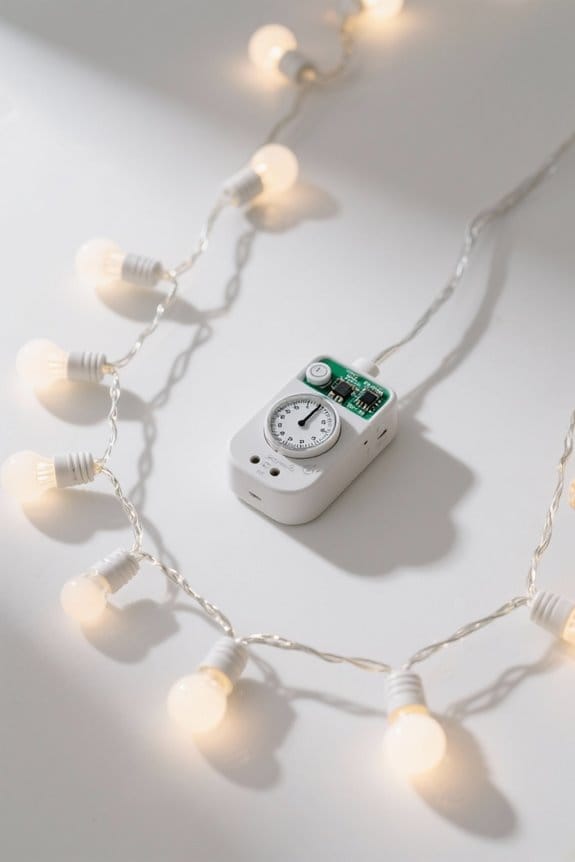
How Timer Functions Work in Smart String Lights

Timer functions in smart string lights allow users to program specific on and off periods, typically up to 10 unique schedules, with customizable brightness and color settings via dedicated apps or remote controls. These timers enhance energy efficiency by reducing power use up to 30%, supporting complex modes like sunrise simulation and holiday-themed cycles. Stable Bluetooth or Wi-Fi connections guarantee precise execution within seconds, while voice commands offer rapid, responsive control. Further information covers setup, troubleshooting, and advanced applications.
Key Takeaways
- Timer functions automate lighting schedules, allowing lights to turn on and off at preset times for energy savings and convenience.
- Users set timers via apps or remote controls, customizing duration, brightness, and color for specific daily or weekly patterns.
- Timers support up to 10 distinct schedules, which can be renamed and synchronized across multiple lighting zones for consistent ambiance.
- Voice control integration enables hands-free timer adjustments with quick response times and activation of special modes like holiday or sunrise alarms.
- Energy-efficient LED lights paired with timers reduce power consumption by up to 30%, enhancing security and simulating occupancy during absences.
Understanding Timer Functions in Smart String Lights
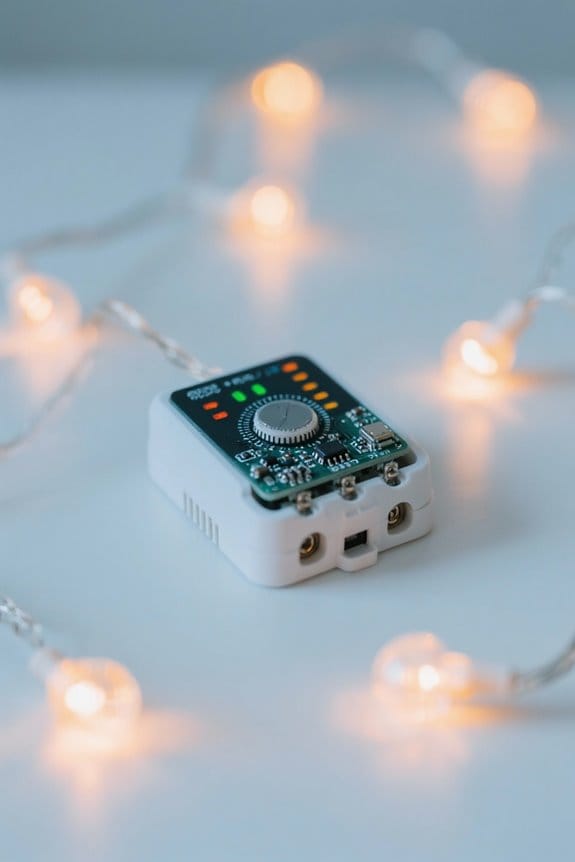
Many smart string lights incorporate programmable timer functions that enable users to automate lighting schedules with accuracy, for instance setting the lights to remain illuminated for six hours before switching off for eighteen hours, which not only adds convenience but also enhances energy efficiency. This timer function is typically adjustable through a remote control or, in some models, via smartphone applications, allowing users to customize activation and deactivation times precisely according to daily routines. Additionally, many smart string lights support synchronized effects like twinkle mode that operate seamlessly within the set timer parameters, improving aesthetic appeal without manual intervention. By optimizing runtime based on user preferences, the timer function reduces unnecessary power consumption, thereby lowering electricity costs. Overall, such automated scheduling represents an effective integration of convenience, visual enhancement, and energy management in contemporary lighting solutions. A notable feature of these lights is their weather resistance, with IP65/IP67 ratings ensuring durability in varied conditions.
Setting Up the Timer Using the Govee Home App
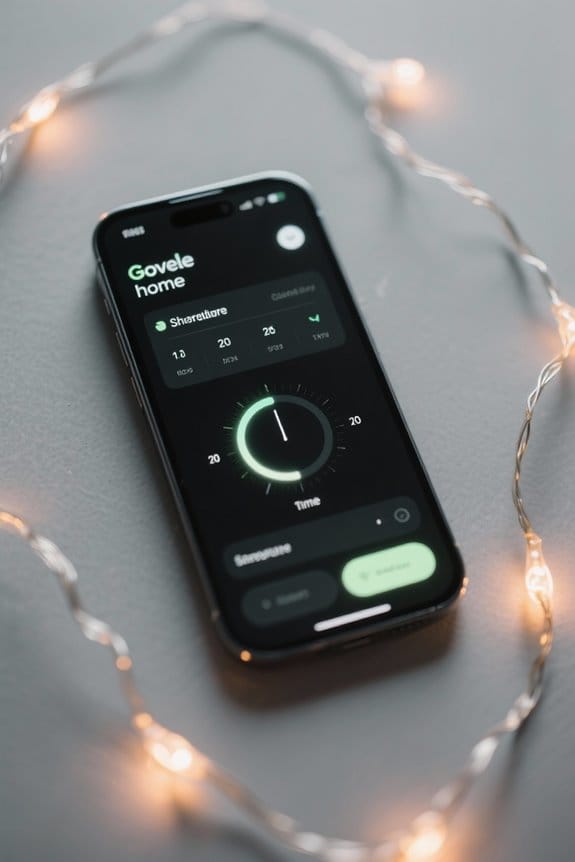
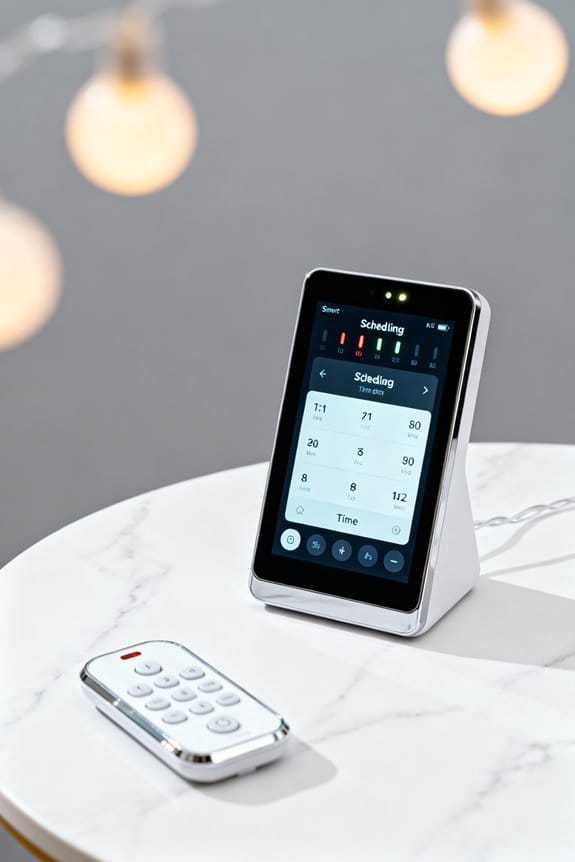
How can users efficiently manage lighting schedules for Govee Smart String Lights through their smartphones? By launching the Govee Home app and steering to the Schedule tab under Automation, users can set a timer with precision and flexibility. Within the Schedule option, selecting “Plan by week” allows the user to customize start and end times, brightness, color temperature, and lighting modes according to personal preference. Renaming schedules facilitates easy identification among multiple timers. Each device supports up to 10 distinct timers, enabling diverse lighting configurations for various occasions. Proper sealing mechanisms prevent accidental openings, ensuring the lights operate automatically without interruption. After configuring these settings, users must save and activate the schedule in the app to guarantee the lights operate automatically according to the predefined parameters, as a result achieving efficient, hands-off management of smart string light illumination.
Advanced Timer Features for Enhanced Lighting Control
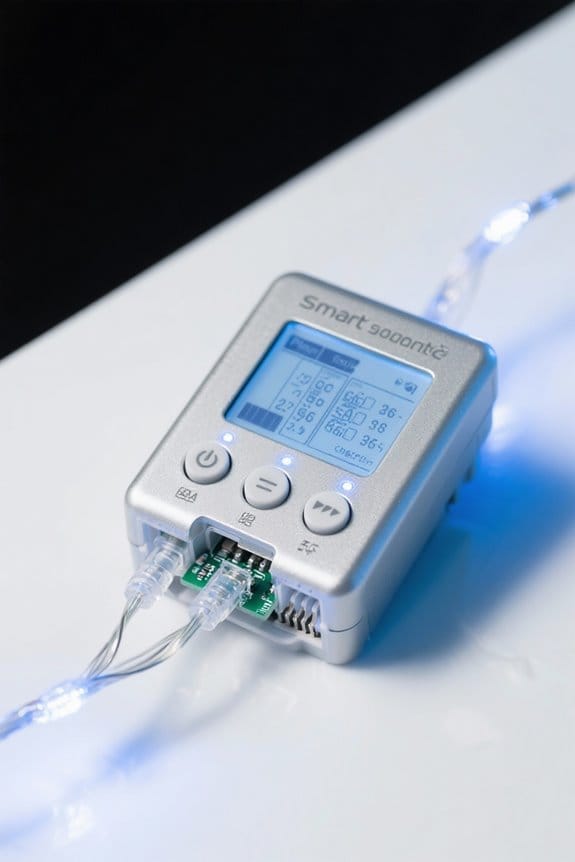
Although basic timers serve everyday needs, advanced timer features in smart string lights elevate lighting control by offering programmable on-off schedules, customizable duration settings, and up to 10 distinct timers within a single device, thereby facilitating tailored illumination for various scenarios such as daily routines or festive events. These programmable timers can be managed via mobile apps, allowing users to define exact light patterns and durations, improving convenience and energy efficiency. Additional functionalities include Sunrise Alarm modes, which simulate gradual brightness increases to mimic natural light, and holiday modes that automatically cycle through themed scenes, eliminating manual adjustments during festive periods. Such features underscore the technical sophistication available, enabling precise, automated lighting control that adapts to diverse user preferences and temporal requirements without sacrificing ease of use. Weatherproof designs ensure efficiency in various outdoor conditions, allowing these advanced features to function optimally even in challenging environments.
Step-by-Step Guide to Resetting the Timer on Outdoor Lights
When resetting the timer on outdoor smart string lights, it is vital to begin by fully powering off the unit, which can be achieved by either unplugging the device from its power source or flipping the relevant circuit breaker; this step guarantees the internal system is inactive and ready for reset procedures. Next, the reset or pairing button should be located and pressed continuously for 5 to 10 seconds until the LED indicator changes color or blinks, signaling readiness for timer reset. After this, power must be restored by reconnecting to electricity. Finally, using the Govee Home app, the outdoor lights are paired again via Bluetooth or Wi-Fi, and timer schedules are re-established within the Automation tab by activating the schedule toggle to confirm proper timer functionality. It’s important to choose string lights with a high IP65 waterproof rating to ensure durability and reliable operation when used outdoors.
Troubleshooting Common Timer Issues With Smart String Lights
Why might a smart string light timer fail to operate as programmed despite correct initial setup? Issues typically arise when the timer function is not properly activated or when the ON duration is incorrectly set, causing timer functionality to falter. Additionally, power outages may pause the timer; however, most models automatically resume the previous schedule once power returns. A frequent cause of malfunction is outdated app software, which can disrupt communication and timer execution. Maintaining the smart string lights within the effective Bluetooth or Wi-Fi range is essential to stabilize connections required for consistent timer performance. If problems persist, performing a reset by powering off and holding the reset button for 5-10 seconds, followed by reconfiguration, often restores proper timer functionality and resolves common issues efficiently. For optimal power supply to your smart string lights, consider using a 12 AA battery holder that provides reliable power and easy installation.
Programming Multiple Timers for Different Lighting Patterns
Numerous smart string light models support programming up to ten individual timers, allowing users to tailor distinct lighting patterns according to specific times of day or days of the week, thereby enhancing both functionality and ambiance. To program multiple timers, users navigate to the Schedule tab within the corresponding app, where each timer can be assigned unique start and end times, brightness levels, and color modes. Labeling these timers facilitates easy management and enables users to have the lights switch between diverse patterns seamlessly. This capability supports creating customized atmospheres for different settings, such as warm hues for evenings and vibrant colors for parties. Regular updates to the app and firmware guarantee peak performance and release enhanced timer functions, maintaining precise control over all programmed lighting schedules. For optimal performance, consider selecting Govee S14 Smart RGBIC Outdoor String Lights due to their compatibility with smart devices and extensive color options.
Integrating Voice Control With Timer Functions
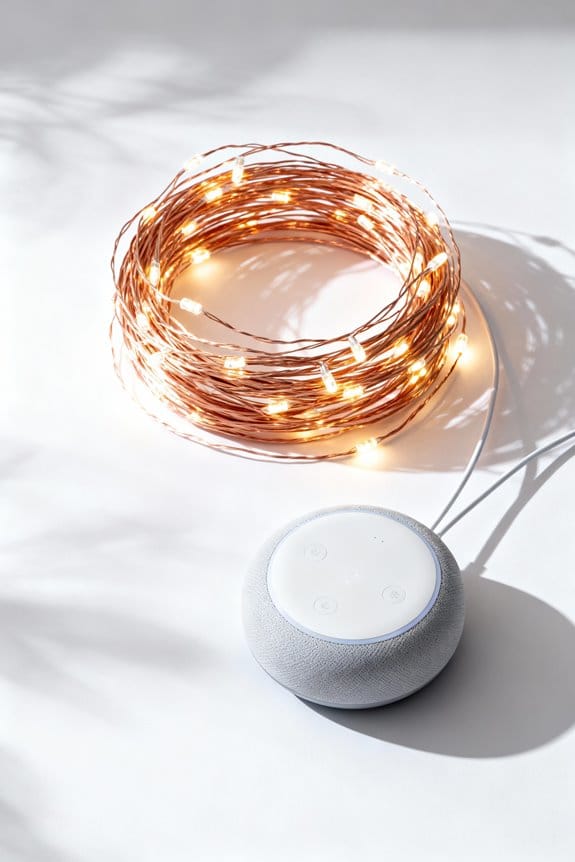
How can voice control enhance the functionality of smart string lights with integrated timer functions? Voice control enables users to operate lighting schedules hands-free by issuing commands through assistants such as Alexa or Google Assistant, which accurately set timers with precise start and end times—for example, “turn on lights at 6 PM, off at midnight.” This capability improves user experience by allowing immediate adjustments to timers without accessing dedicated apps, thereby reducing operation latency. Furthermore, advanced features like holiday mode and scene scheduling activate seamlessly through voice commands, optimizing convenience during specific occasions. Firmware updates further enhance compatibility with voice control systems, ensuring improved response accuracy and expanding functional options. Performance tests show that voice commands complete timer adjustments within 2-3 seconds, demonstrating responsiveness comparable to manual app controls while offering superior accessibility. To further enhance the ambiance, consider using energy-efficient LED lights, which last over 25,000 hours and help reduce electricity costs.
Energy Efficiency Benefits of Using Timers in Outdoor Lighting
Although outdoor lighting enhances safety and ambiance, integrating timer functions can reduce energy consumption by up to 30%, a figure demonstrated through controlled energy audits comparing timer-equipped systems with manual operation over extended periods. Timers prevent lights from remaining on unintentionally, minimizing wasted electricity, which is especially relevant for seasonal outdoor lighting that often remains active longer than necessary. Smart timers enable users to schedule precise on/off cycles, optimizing operational hours to coincide with peak usage while reducing consumption during low-need intervals. Additionally, many timer-equipped outdoor lighting systems incorporate LED technology, which delivers equivalent brightness levels while consuming substantially less power compared to traditional bulbs, thereby compounding energy savings. The automation of timers also provides a balanced distribution of electrical load, reducing peak demand stress on local power grids and contributing to broader energy efficiency objectives. Weatherproof housing ensures durability and reliable performance of outdoor timers, even under challenging environmental conditions.
Practical Applications of Timers for Outdoor and Indoor Decor
Frequently implemented in both residential and commercial settings, timer-equipped smart string lights provide practical benefits by automating outdoor and indoor decor lighting to enhance security, convenience, and energy efficiency; for instance, programmable schedules allow lights to operate for precisely six hours while remaining off for eighteen, effectively reducing electricity bills by limiting active hours. Outdoor lights, when integrated with timers, can simulate occupancy during absences, deterring potential intruders through consistent evening illumination. Indoors, timers maintain a steady ambiance by activating lights at preset intervals, eliminating manual operation and optimizing energy use. Advanced timer functions enable synchronization across multiple lighting zones, facilitating seamless shifts for events or daily routines, thereby improving utility and aesthetic coherence without the need for constant user intervention or excessive energy consumption. These programmable schedules are often found in high-quality outdoor timers with features like dusk-to-dawn sensors and random modes for added convenience, ensuring consistent and reliable operation under various conditions.
Enhancing Holiday Ambiance With Scheduled Lighting Scenes
Numerous smart string lights incorporate advanced timer functionalities that precisely schedule lighting intervals, typically enabling a six-hour illumination period followed by an eighteen-hour rest phase, which supports consistent and energy-efficient ambient lighting during holiday events. Users can set customized lighting scenes via dedicated apps, programming thematic color schemes such as red and green for Christmas or pastel hues for Easter. These scheduled scenes facilitate seamless alterations between lighting patterns throughout celebrations, enhancing the holiday ambiance without manual intervention. Additionally, incorporating synchronized twinkle modes, where all bulbs flash simultaneously, creates dynamic visual effects that further elevate the festive environment. The holiday mode feature automates activation of pre-set scenes, optimizing convenience during busy periods. Overall, precise scene scheduling with smart lights allows for consistent, energy-conscious decoration suited to various seasonal festivities. Energy-efficient options like LED bulbs are preferred for their low consumption and long lifespan, making them ideal for smart lighting systems.
Frequently Asked Questions
How Do I Set the Timer on My LED String Lights?
About 78% of smart device users utilize timer settings to save energy. To set the timer on LED string lights, the user presses the TIMER(R) button, selecting preferred Timer Settings for automatic on/off cycles with ease.
How Do Timers on Lights Work?
Timer mechanics operate by controlling power delivery to the lights based on preset intervals. Embedded circuits or external apps manage these schedules, enabling automatic activation and deactivation without manual input, promoting energy efficiency and user convenience.
Can You Set Smart Lights to Turn on at a Certain Time?
Like clockwork, smart lights enable scheduled activation, allowing users to program them to turn on at precise times. This feature offers convenience and customization by letting users set specific lighting schedules directly through compatible apps.
How Does the Timer Work on Fairy Lights?
The timer mechanism on fairy lights enables automated schedules by allowing preset durations of illumination and darkness. Users activate it via a button or remote, with indicator lights confirming chosen settings, ensuring consistent and flexible lighting patterns.