As an Amazon Associate, we earn from qualifying purchases. Some links on this site are affiliate links at no extra cost to you. Our recommendations are based on thorough research and editorial judgment.
Understanding Group Control Features for Multiple String Light Sets

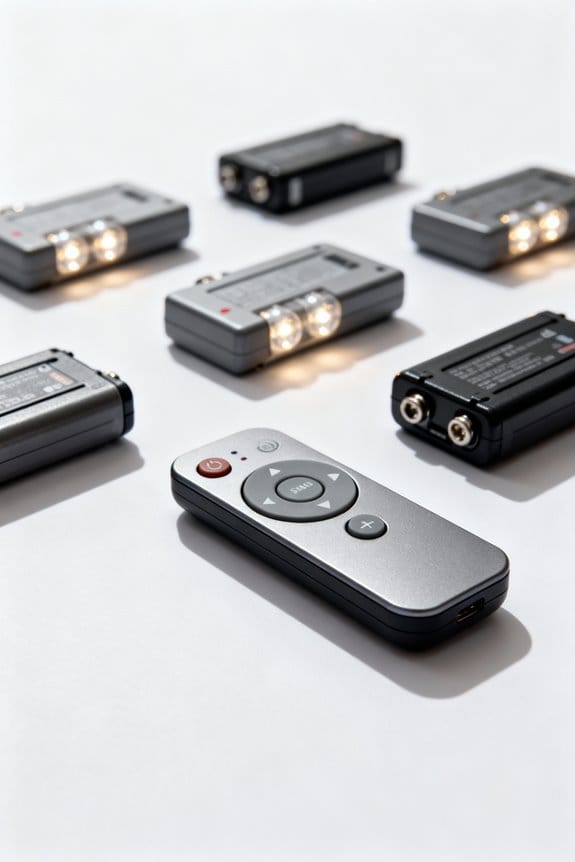
Group control for multiple string light sets enables synchronized management of up to 10 devices or 4,000 LEDs using Join, Sync, and Area groups, tailored to distinct display needs and spatial layouts. Compatibility hinges on identical LED profiles and specific product lines, as Twinkly PRO Ethernet units cannot mix with Wi-Fi or Retail types, while Plus devices restrict functionality when combined. Advanced features rely on consistent controllers; voice controls become unified. Further exploration reveals detailed setup nuances and operational best practices.
Key Takeaways
- Group control enables synchronized lighting effects on multiple string light devices over the same local Wi-Fi network.
- Join Groups combine up to 10 devices into one virtual string, allowing complex, unified lighting displays.
- Sync Groups run coordinated effects simultaneously while maintaining each device’s individual layout.
- Area Groups use Camera Mapping and Area Editor for precise spatial layout and effect customization.
- Group compatibility requires identical LED profiles and consistent controller types to ensure smooth operation.
Procedure to Create a Group
To initiate the procedure for creating a group, users must first open the application and access the “Devices” menu, where they select the specific installation housing the intended string light devices; subsequently, tapping the + icon located in the top right corner prompts a menu from which the “Create Group” option can be chosen, enabling the configuration of group types such as Join, Sync, or Area groups, with device selection tailored accordingly. After choosing the type of group, users select the devices they wish to include, ensuring all Twinkly devices are powered on and connected to the same local Wi-Fi network for seamless communication. Finally, the group is assigned a name for ease of identification and efficient management within the app’s interface, supporting streamlined control across multiple light sets. Considering energy-efficient options when selecting bulbs can enhance savings and sustainability in your lighting setups.
Recommended Products

Customizable Illumination: Lights shine with extraordinary vibrancy in over 16 million colors, including all tones of white, guaranteeing both customizable active illumination and stunning decorative effects.


App-Controlled LED String Lights: Manage and customize your Twinkly Strings with the intuitive mobile application (iOS and Android). Control your lights from anywhere in your house.
Overview of Grouping Features
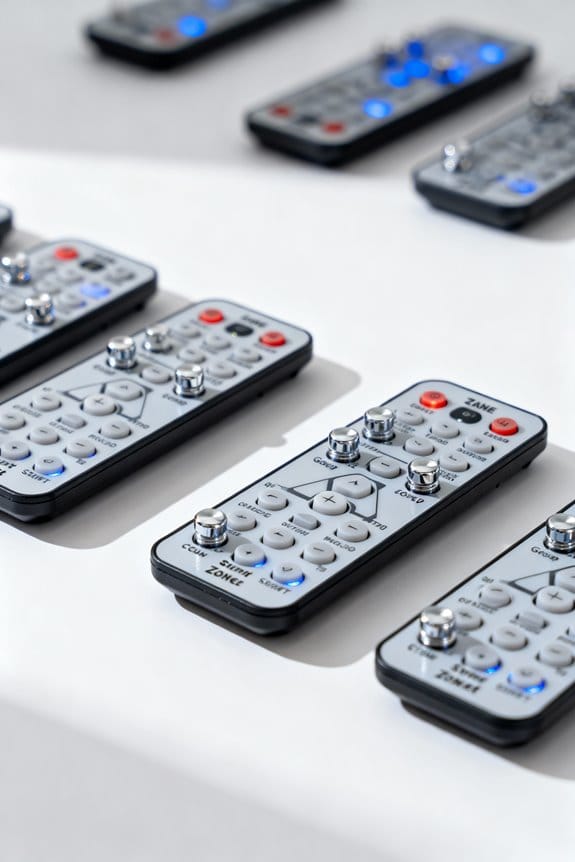
Although grouping Twinkly string lights requires attention to compatibility and network configuration, it enables sophisticated control over multiple devices through three distinct group types—Join, Sync, and Area groups—each offering specialized functionality tailored to different lighting scenarios. Groups allow coordinated operations by ensuring that devices share the same LED profile and connect to the identical Wi-Fi network, which is essential for seamless synchronization. Join Groups enable multiple devices to act as a unified unit with extended lighting effects, while Sync Groups apply effects simultaneously without merging device layouts. Area Groups provide advanced layout management using Camera Mapping and Area Editor features, facilitating precise spatial arrangements that enhance overall display aesthetics. This structured approach to grouping expands creative possibilities while maintaining operational reliability across complex lighting setups. Additionally, integrating these groups with voice assistants like Amazon Alexa and Google Home can further enhance convenience and control over your outdoor lighting environment.
Recommended Products

🌞💡【120 / 240 Split Phase AC Output】12KW watts low frequency power inverter with transformer, 36kW watts Peak ,48 volts DC input. The inverter is split-phase and will output 110/120 Vac, and it can set via the LCD screen 50 or 60Hz Output. Support to run different batteries including Lead-Acid, GEL /Lithium battery,Compatible to mains voltage or generator which charge the battery or power the load. With lithium battery communication function.(Our products do not come with batteries)

Stream Lights show you which notes to play and when to play them, with four LED lights above each key. Lights move towards the keys to show the timing of the next note in the song.
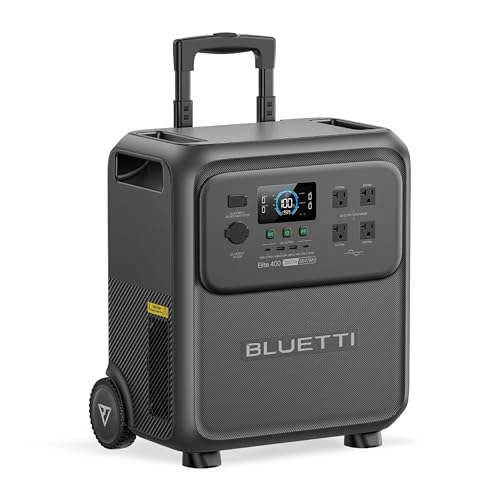
[Massive Capacity, Strong Power] - With 3840Wh capacity and 2600W output (surge to 3900W) reliably run everything from a refrigerator to power tools. Featuring 9 versatile ports, Elite 400 is the perfect all-in-one power source for home emergencies, daily use, and weekend adventures.
Types of Groups and Their Uses
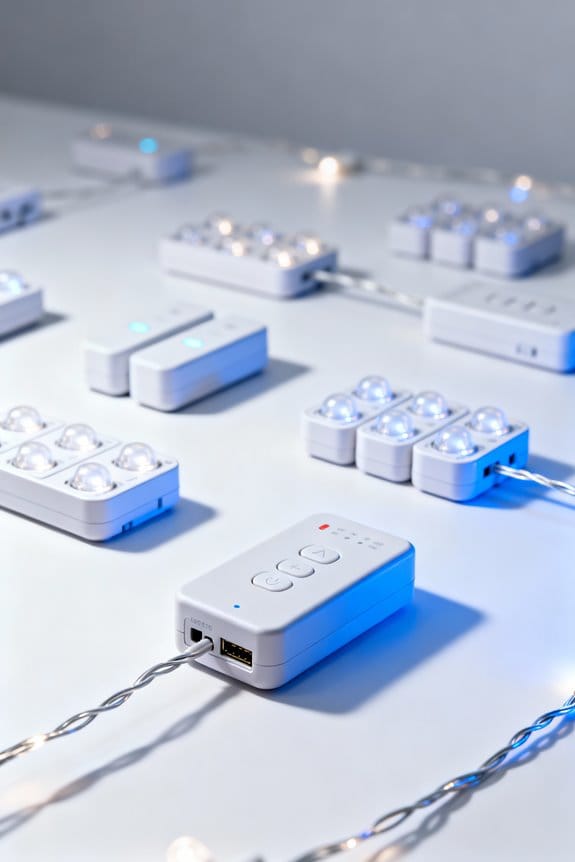
Grouping mechanisms for Twinkly string lights divide into three main categories—Join Groups, Sync Groups, and Area Groups—each designed to address distinct operational needs and creative goals, with Join Groups enabling up to 10 devices or 4,000 LEDs to function as a unified string for intricate displays, Sync Groups maintaining individual device layouts while executing coordinated lighting effects, and Area Groups providing advanced spatial customization through tools like Camera Mapping and Area Editor for precision layouts. Join Groups, ideal for elaborate installations such as Christmas trees, create a virtual single string, while Sync Groups coordinate simultaneous effects without merging layouts. Area Groups advance spatial arrangement capabilities, supporting complex setups with horizontal and vertical layouts. Grouping compatibility requires identical LED profiles, ensuring consistent functionality across Join Groups, Sync Groups, and Area Groups for seamless multi-device control. Considering color temperature ranges in light design enhances aesthetic and functional coherence in multi-string light setups.
Recommended Products

Elevated Stage Presence: From concerts to wedding venues to live streaming, impress your audience with dazzling programmable visuals from 1120 RGB LED controlled from your phone.

Fun Twinkle Lights: Illuminate any occasion with these decorative lights. The garland-style design features 50 RGB LED bulbs to create a vibrant and customized display.
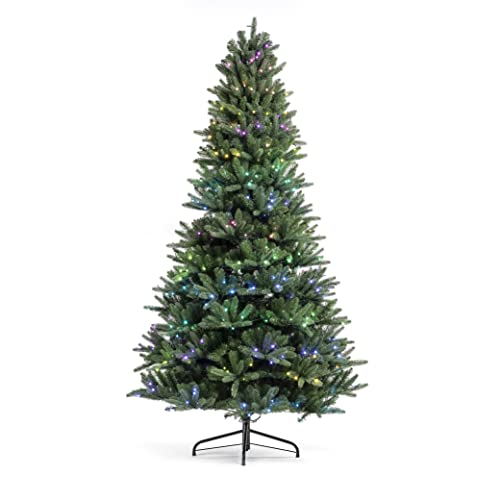
Set up your easiest and quickest holiday decorations ever with the Twinkly Pre-Lit Tree. This pre-decorated artificial Christmas tree is full of addressable LED lights that will give you your brightest and most colorful holiday season yet
Compatibility Among Twinkly PRO, Plus, and Retail Devices
Effective multi-device management of Twinkly string lights depends greatly on the compatibility among different product lines, particularly the PRO, Plus, and Retail series, which feature varying communication protocols and controller technologies. Twinkly PRO Ethernet devices cannot be grouped with PRO Wi-Fi, Plus, or Retail types, requiring users to manage individual devices exactly within their respective categories. Conversely, Twinkly Plus devices offer flexibility by forming a new Group with PRO Wi-Fi PlusPLC21, PlusPLC22, and Retail sets; however, grouping PRO Wi-Fi and Plus devices together is disallowed, limiting mixed-group options. Including Retail devices in any new Group may result in a compromise of advanced functionalities, as Retail traits can dominate group behavior. For peak control, consistent controller types across different types of devices are essential to prevent synchronization issues and maintain seamless operation. Additionally, ensuring compatibility with a 2.4 GHz WiFi network is critical, as most smart light systems including Twinkly require this band for reliable voice and app control integration.
Recommended Products

Voice Control: Govee outdoor lights work with Alexa and google assistant for a hands-free method of control. Power lights on/off, adjust brightness or change colors using simple voice commands.

AI-Powered Custom Scenes & App Control: Featuring 16 million colors and 111 preset scene modes, easily transform your patio for a lively dance party, a romantic dinner, or a cozy movie night. Describe your idea to the Govee AI bot or use the app to create unique lighting effects effortlessly. Requires latest Govee Home App version.

TRANSFORM YOUR OUTDOOR SPACE WITH VIBRANT COLOR & TUNABLE WHITE – Bring your patio, backyard, or garden to life with millions of RGB colors plus warm-to-cool white lighting. Whether you're hosting a party, relaxing after a long day, or setting the perfect ambiance, these smart string lights deliver rich, vivid illumination with smooth transitions and customizable scenes that match any mood, occasion, or season.
Functionality and Limitations of Groups
When forming groups of Twinkly string lights, the use of identical LED profiles, such as RGB exclusively with RGB or AWW solely with AWW, is essential to maintain compatibility and guarantee synchronized functionality; groups may be configured as either join groups, which allow devices to operate together as a single continuous unit for extended lighting effects, or sync groups, which facilitate simultaneous activation of effects while preserving each device’s individual layout. Within the Devices menu, users can organize a group of lights but should note limitations: Twinkly PRO Ethernet models cannot be grouped with Wi-Fi or Plus devices, and mixing controllers risks reducing advanced features and overall functionality. In addition, individual devices lose independent voice control via Alexa or Google Assistant, restricting management to the group level only. Selecting dimmable, connectable strands can enhance the versatility of grouped string lights for more tailored control options.
Setting Up Group Control
Establishing group control for Twinkly string lights begins within the app’s Shortcuts screen, accessible by tapping the second icon at the bottom navigation bar, followed by selecting the Feature Hub button located in the top right corner; from this interface, users can initiate a new Group scene by choosing “Group” and then “Create,” which presents a selectable list of individual lights via checkboxes, facilitating precise group composition for synchronized management. This method allows you to set groups that include either single devices or an area group of multiple sets, ensuring organized control across different setups. Once selected, group names can be edited via the Pencil icon for easy identification. All devices require power and connection to the same Wi-Fi network to guarantee effective operation and synchronized lighting effects. For enhanced safety, it’s important that all outdoor devices connected in groups use power strips with built-in overload protection to prevent hazards during operation.
Frequently Asked Questions
How to Group Govee Light Bulbs Together?
To group Govee light bulbs together, the user accesses grouping options via app integration, selecting bulbs to create a group. This enables light synchronization across devices, enhancing control and consistency throughout the connected lighting setup.
How Many String Lights Can I Connect Together?
Although concerns about safety measures arise, one can connect up to 5 string light sets, respecting maximum wattage limits to avoid hazards. Extended length remains manageable when adhering to these parameters, ensuring both performance and safety are maintained.
Can You Control Each Individual Govee Light?
Each individual Govee light can be controlled through the Govee app features, allowing users to access individual light settings. Custom color options are available for separate adjustment only when lights are not grouped or managed separately within the app.
Can I Connect More Than Three Sets of Christmas Lights?
Yes, more than three sets of Christmas lights can be connected, enhancing holiday decoration tips. Ensuring all lights share the same network supports safe lighting practices and optimizing light brightness, creating a unified and festive display without electrical overload risks.