As an Amazon Associate, we earn from qualifying purchases. Some links on this site are affiliate links at no extra cost to you. Our recommendations are based on thorough research and editorial judgment.

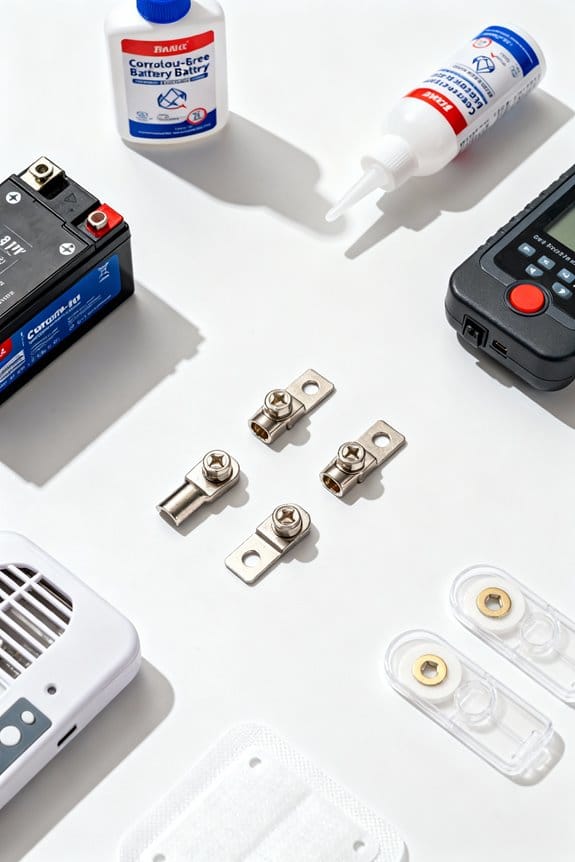
How to Prevent Battery Corrosion in Your Devices

Battery corrosion primarily stems from elevated temperatures above 40°C, humidity levels exceeding 60%, and prolonged alkaline battery use, which leads to potassium hydroxide leaks damaging device terminals and reducing charging efficiency by up to 40%. Preventing it involves storing batteries within 15°C to 25°C in dry, shaded environments, regularly inspecting terminals for signs of leakage, removing idle batteries, and employing corrosion-inhibiting cleaners and IP65+ weatherproofing to protect contacts. Further details reveal effective removal, replacement, and cleaning protocols.
Key Takeaways
- Store batteries in a cool, dry place with temperatures between 15°C and 25°C to minimize moisture and heat exposure.
- Regularly inspect battery terminals for white, green, or blue powdery corrosion signs and clean promptly.
- Remove batteries from devices when not in use for extended periods to prevent internal gas buildup and leakage.
- Use high-quality rechargeable batteries like NiMH or LiFePO4 to reduce the risk of corrosion and leaks.
- Apply corrosion-inhibiting cleaners and protection sprays to terminals after cleaning to maintain conductivity and prevent damage.
Common Causes of Battery Corrosion
Although battery corrosion can develop under various conditions, it primarily arises from the interplay of several factors including overcharging, elevated temperatures exceeding 40°C (104°F), aged or physically compromised batteries, and exposure to ambient moisture levels above 60% relative humidity, all of which facilitate electrolyte leakage and aggressive chemical reactions at the cell terminals. Common causes include prolonged use of alkaline batteries, which are prone to potassium hydroxide leakage near expiration or after full discharge, particularly when stored in devices for extended periods. High temperatures and moisture accelerate chemical reactions that degrade battery integrity, causing leakage that can lead to irreversible device damage. Preventative measures should focus on controlling environmental conditions and device usage to minimize these factors and reduce the likelihood of corrosion formation in battery-powered equipment. Additionally, using IP65+ weatherproofing in device enclosures can help protect batteries from environmental moisture and dust, reducing the risk of corrosion.
Signs and Consequences of Corroded Batteries
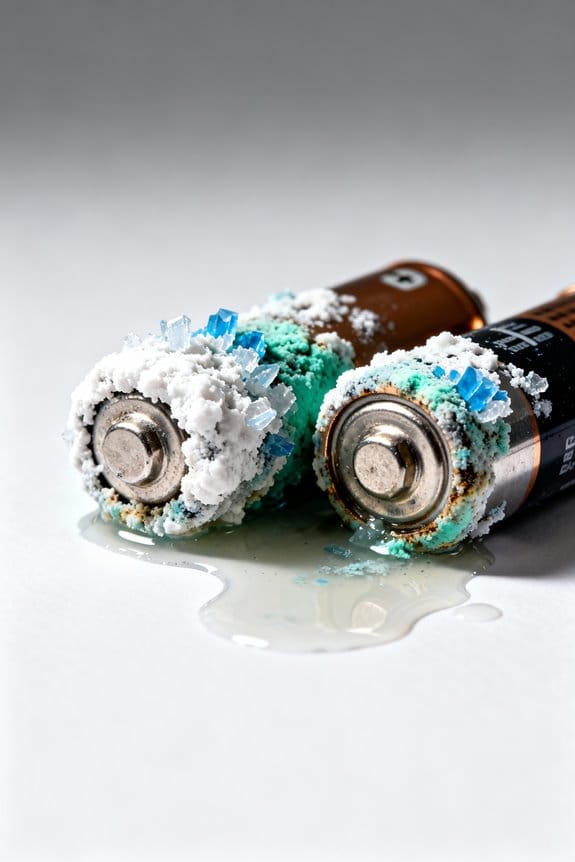
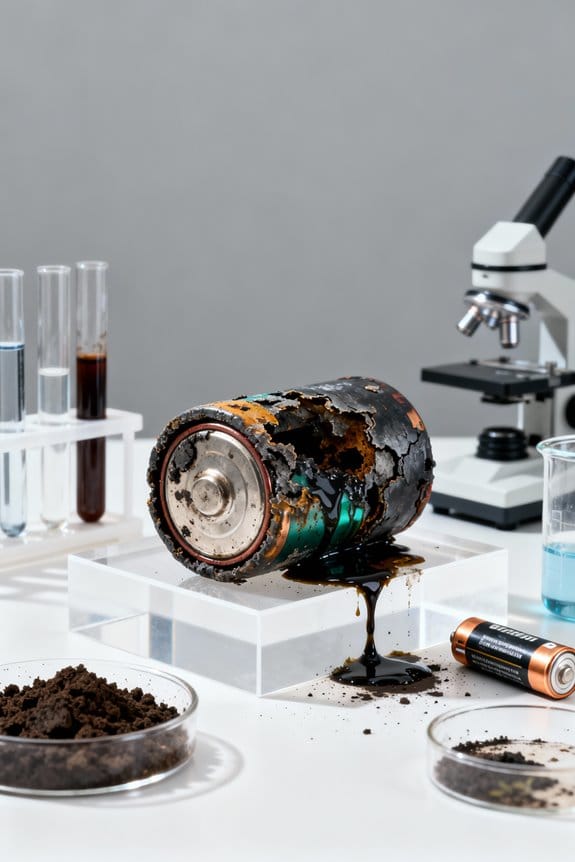
Numerous indicators signal the presence of corroded batteries, with the most recognizable being the accumulation of a white, green, or blue powdery substance around the battery terminals, a byproduct of chemical reactions involving electrolyte leakage; this phenomenon often leads to poor electrical conductivity, which can reduce device charging efficiency by up to 40% or cause a complete power failure. Signs of corrosion include visible deposits at battery terminals and connections, which can spread to other parts of the device, increasing maintenance costs and risking device malfunction or short-circuiting. Battery acid leakage accelerates degradation; consequently, regular inspection and prompt cleaning of battery corrosion are essential to prevent corrosion from happening, preserve device lifespan, and maintain reliable performance. Using corrosion-inhibiting cleaners can help restore conductivity and protect battery contacts from further damage.
Best Practices for Battery Storage and Handling
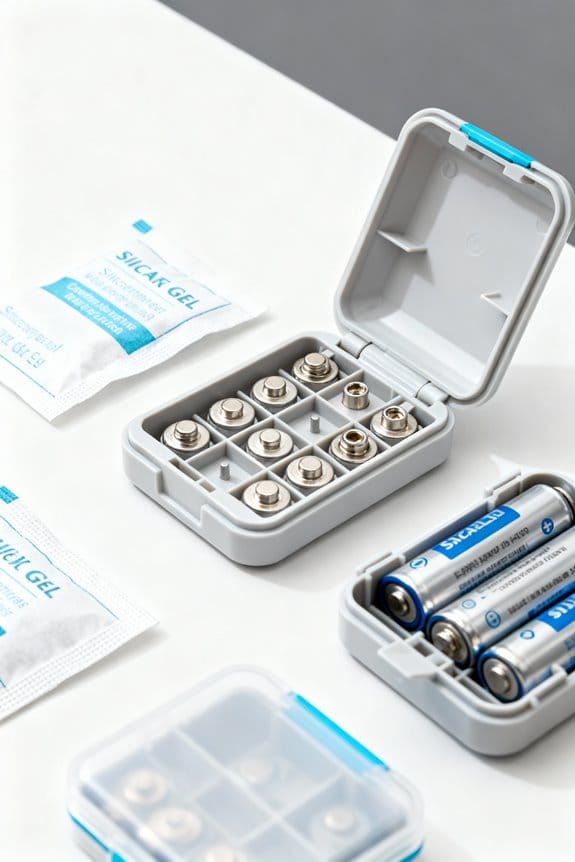
Preventing battery corrosion starts with implementing effective storage and handling techniques that directly influence battery longevity and performance. Batteries should be stored in a cool, dry place, ideally between 15°C and 25°C, away from direct sunlight and humidity, to prevent accelerated chemical reactions causing corrosion. Users must regularly inspect battery terminals for early signs of leakage or corrosion, removing affected batteries promptly to avoid contaminant spread. Employing original packaging or airtight glass containers further minimizes exposure to moisture and external contaminants. Removing batteries from devices left idle for prolonged periods reduces the risk of leakage caused by internal gas build-up, particularly with alkaline cells. Proper cleaning of terminals using isopropyl alcohol can remove minor corrosion traces effectively. Opting for high-quality rechargeable batteries such as NiMH or lithium-iron phosphate (LiFePO4) also reduces corrosion likelihood compared to alkaline alternatives. Additionally, applying anti-corrosion washers after cleaning can provide a protective barrier to extend battery terminal durability.
Recommended Products

4G LTE outdoor security camera with SIM card, ideal for ranches, sheds, pastures or greenhouses in remote areas where Wi-Fi is unavailable.

Collar Tag Sensor-Activated Personalized Meals: Each cat wears a unique RFID tag. The feeder opens only when the designated cat approaches, keeping others away from food they shouldn’t eat. (Only supports the included RFID collar tag.) Adjust the lid speed to suit your cat's comfort level.

Adequate reserves - This generator storage box has outstanding capacity advantages. The precise dimensions are 30"(L)X20"(W)X22"(H), and have been researched and tested to be compatible with most standard generators. The box adopts a scientific large space layout, with strong storage capacity. Various tools and accessories can be stored properly, meeting the storage needs of multiple scenarios, creating practical space, improving efficiency, and reducing costs.
How to Properly Remove and Replace Batteries
When removing or replacing batteries in electronic devices, it is crucial first to power down and unplug the device to mitigate the risk of electrical shock and prevent inadvertent damage to internal components. To properly remove a battery, gently twist or rock it while wearing safety goggles to shield against potential leaks, using non-metallic tools if necessary to avoid damaging terminals. After removal, inspect the battery compartment carefully for corrosion on your battery or leakage, as this helps prevent battery corrosion in future use. Replace batteries only with the same type and brand to guarantee peak performance, and clean terminals as needed before insertion. Store your batteries removed from the device in a cool, dry place, preferably sealed in ziplock bags, to minimize leakage and extend battery life. Using battery post cleaner tools with durable steel wire brushes can effectively remove corrosion and maintain optimal electrical contact.
Recommended Products

Efficient Cleaning Power: Experience unmatched cleaning power with our 20" floor scrubber. Its wide cleaning path ensures thorough cleaning, effortlessly tackling even the most stubborn messes and leaving your floors spotless.

✅Bundle Accessories - Along with the accessories from Sony, the ZV1 II bundle includes additional accessories Such as Pixel Hurricane Dust-off Blower, 64GB SD Card, 3 in 1 USB Card Reader, Gadget Bag, Cleaning Kit, Promaster Sony NP-BX1 Li-Ion Battery.

Seamless Crossing Over Door Tracks: Navigate through steps and door thresholds effortlessly. With the ProLeap system, L50 Ultra lifts its retractable legs to 6cm high, ensuring smooth and obstacle-free gliding.
Effective Cleaning Techniques for Battery Corrosion
Following the proper removal and inspection of batteries, addressing any corrosion present on battery terminals demands specific cleaning methods that balance safety with efficacy. Wearing gloves and goggles in a well-ventilated area, a cleaning solution made from one tablespoon of baking soda mixed with one cup of water should be applied using a soft cloth or cotton swab to neutralize acidic deposits. Gently scrubbing with a stiff-bristled toothbrush avoids spreading corrosion while ensuring thorough cleaning. Afterward, battery terminals must be rinsed with distilled water and dried completely before reinsertion to prevent residual moisture that accelerates decay. Regular inspection and preventive maintenance, coupled with careful cleaning techniques, considerably extend device lifespan and maintain ideal battery performance without risking overcharging or acid damage. For prolonged protection, applying a battery protection spray after cleaning can significantly reduce corrosion and improve electrical contact.
Recommended Products

32 lbs Potassium Hydroxide (KOH) per container packaged 16 x 2 lbs per container in an HDPE container with a resealable child proof cap.

MAKE ADJUSTMENTS ON-THE-FLY – Want hotter temperature or need to cook it longer? No problem. Simply adjust on-the-fly any time. No need to start over. Flex’s intuitive digital controls are easy to operate, and the response is immediate.

BATTERY-POWERED EFFICIENCY: Engineered specifically compatible for your existing 18V lithium-ion batteries (Fit for 48-11-1820, 48-11-1852, 48-11-1865, 48-11-1880, and more), this electric duster integrates seamlessly with your existing power tool ecosystem. Get the job done with unmatched power and reliability, making it an essential addition to your garden care arsenal.
Preventative Measures to Avoid Future Corrosion
Numerous factors contribute to the onset of battery corrosion, which can be effectively mitigated through a systematic approach involving routine inspection, proper storage, and material selection; for example, inspecting terminals monthly for whitish or greenish deposits can identify early signs of degradation before electrical resistance increases considerably. To prevent battery corrosion, users should remove batteries from devices left unused over 30 days to avoid leakage risks. Storing batteries in cool, dry places below 25°C, away from humidity and sunlight, further reduces corrosion likelihood. Employing high quality batteries, such as rechargeable or LiFePO4 types, decreases leakage compared to standard alkalines. Annual application of anti-corrosion coatings to battery terminals forms a protective barrier to prevent buildup of corrosive substances, thereby extending device longevity and maintaining peak electrical performance. Using dielectric grease on terminals additionally helps to protect against moisture and environmental exposure, ensuring reliable electrical conductivity.
Recommended Products
![CRC Dielectric Grease 03082 – [Pack fo 12] 10 WT OZ, NSF H1 Registered Non-Curing Silicone Compound for Electrical Components in Food and Beverage Industry](https://m.media-amazon.com/images/I/41w2+l49UyL._SL500_.jpg)
CRC INDUSTRIES: A market leader that offers impeccably designed chemical solutions to maintain, protect and repair different marine, heavy-duty motor vehicles, industrial-grade engines, household tools, and electrical equipment
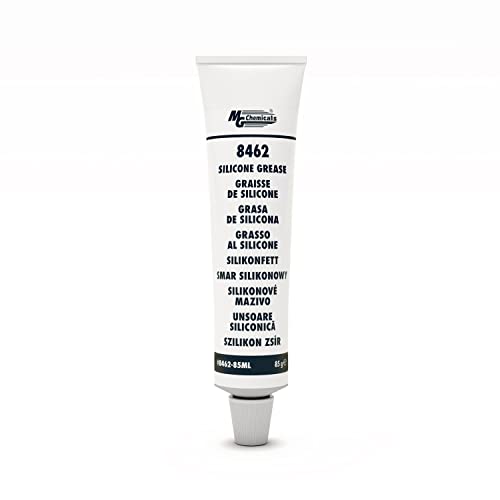
Seals, waterproofs, lubricates and insulates indoor and outdoor electrical connections

Protects electrical connections and wiring from salt, dirt and corrosion
Frequently Asked Questions
How to Prevent Battery Corrosion in Electronics?
Effective battery maintenance tips include choosing quality batteries, adhering to a battery replacement schedule, cleaning battery terminals, and applying corrosion resistance products. Awareness of signs of corrosion and storage conditions influence corrosion prevention techniques and extend battery lifespan despite environmental impacts.
What to Put on Battery Terminals so They Don’t Corrode?
What prevents battery terminals from corroding? Applying battery terminal grease or corrosion prevention sprays forms effective corrosion resistant coatings. Using terminal cleaning solutions, conductive lubricants, and battery terminal protectors with anti corrosion wax and electrical contact cleaners guarantees longevity.
Can I Store Batteries in a Plastic Container?
Batteries can be safely stored in plastic containers, which prevent metal contact and reduce corrosion risk. Proper battery storage involves cool, dry environments, avoiding humidity effects, ensuring organization, monitoring battery lifespan, and using portable, sealed containers for rechargeable options.
Can You Spray WD-40 on Battery Terminals to Prevent Corrosion?
Spraying WD-40 on battery terminals is not recommended for corrosion prevention. Despite WD 40 uses in lubrication, alternative sprays with protective coatings provide better battery terminal cleaning, addressing corrosion types and effects more effectively in battery maintenance tips and care.