As an Amazon Associate, we earn from qualifying purchases. Some links on this site are affiliate links at no extra cost to you. Our recommendations are based on thorough research and editorial judgment.
Understanding Group Control Features for Multiple String Light Sets

Group control for multiple string light sets enables unified operation by creating Join, Sync, or Area groups, each supporting different cohesion levels—from extended lighting effects via merged LED profiles to synchronized effects without layout merging. Compatibility varies; PRO Ethernet devices cannot integrate with PRO Wi-Fi, Plus, or Retail units, while Plus models support cross-category grouping with some functional limitations. Careful, descriptive naming and stable outdoor setups using three-prong bases enhance management and reliability. Further insights clarify setup procedures and optimize performance.
Key Takeaways
- Groups unify multiple Twinkly devices for synchronized effects and centralized control, enhancing coordinated lighting displays.
- Three group types—Join, Sync, and Area—offer varied control levels from merged layouts to synchronized but independent effects.
- Device compatibility affects group creation; PRO, Plus, and Retail models have specific restrictions that influence grouping options.
- Clear, consistent group naming improves identification, management, and efficiency when handling multiple light sets in the app.
- Outdoor stability is enhanced using three-prong bases, ensuring secure setup and reliable performance in adverse weather conditions.
Procedure to Create a Group for Extending Lights
Although the initial setup requires careful attention, creating a group for extending lights involves systematically using the app’s interface by first accessing the “Devices” menu and selecting the installation housing the desired Twinkly devices, then tapping the + icon in the upper right corner to initiate the “Create Group” function, after which the user must choose from three types of groups—Join, Sync, or Area—each defining a specific mode of device interaction; it is crucial that all devices maintain a stable connection on the same Wi-Fi network, as inconsistent connectivity can result in erratic lighting behavior, and finally, the group is named for easy identification before selecting individual devices to coordinate, thereby enabling unified control over extended lighting effects spanning multiple strings. Make sure to consider the IP65 rating as it ensures that the string lights are protected against dust and water, providing durability for outdoor settings. This precise method guarantees that the devices you wish to include function cohesively within the extended lighting arrangement.
Overview of Grouping Features and Requirements
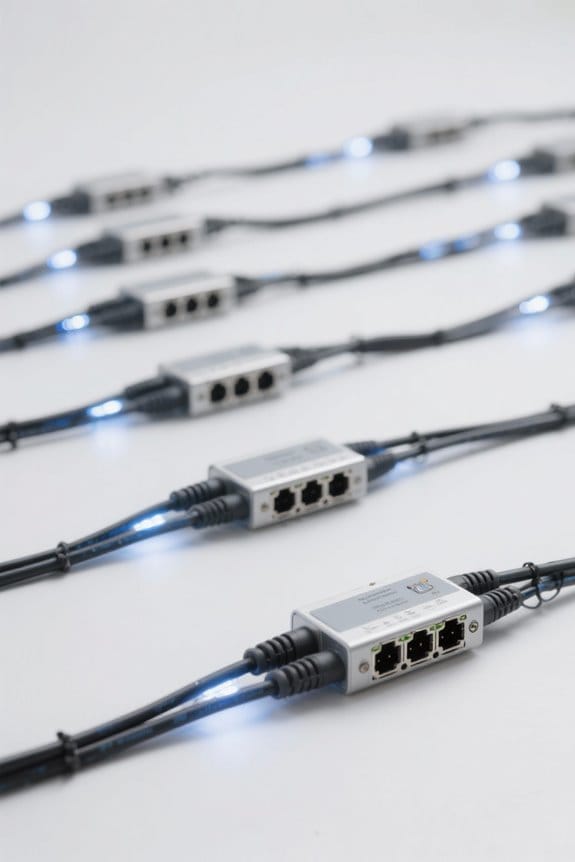
When managing multiple Twinkly string lights, grouping features allow devices to function as unified units by leveraging LED profile compatibility—such as pairing RGB models exclusively with other RGB units—to guarantee seamless integration of lighting effects; the three primary group types, Join, Sync, and Area, each facilitate distinct interaction modes for coordinated displays, but all devices must remain reliably connected within the same local Wi-Fi network, as interruptions may cause erratic behaviors. Within the Devices menu, users find that Groups allow centralized control and status monitoring, where a green icon indicates all units operate correctly. However, Twinkly PRO Ethernet devices lack compatibility with Twinkly Plus or Retail models, restricting certain group configurations. Effective grouping requires attention to LED profiles and network connectivity to maintain reliable synchronization. For outdoor-rated lights, choose those with IP65+ ratings to ensure they withstand various weather conditions, providing durability and reliability for your lighting setup.
Types of Twinkly Groups and Their Functions
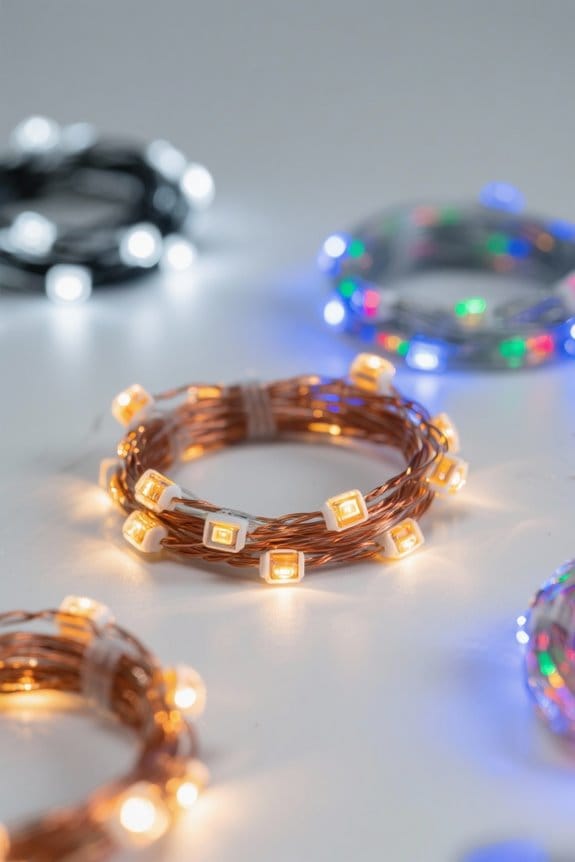
Building on the foundational requirements for grouping Twinkly string lights—such as ensuring LED profile compatibility and maintaining network stability—the platform categorizes groups into three distinct types: Join Groups, Sync Groups, and Area Groups. Join Groups merge multiple devices into a singular, larger unit, enabling seamless extended effects and unified mapping that is particularly useful for complex configurations like multibranched Christmas trees. In contrast, Area Groups provide advanced customization through features like Camera Mapping and Area Editors, allowing users to precisely arrange layouts and tailor lighting effects on a per-section basis, enhancing design versatility. While Sync Groups synchronize effects across devices without merging layouts, the specific focus here rests on Join Groups and Area Groups, which collectively afford both extended physical integration and detailed spatial control, optimizing overall aesthetic performance in large-scale string light setups. Many smart outdoor lights incorporate app control and voice assistant integration, providing users with convenient management options for their lighting setups.
Compatibility Between Twinkly PRO, Plus, and Retail Devices
Device compatibility plays a critical role in configuring Twinkly string light groups, particularly when integrating PRO, Plus, and Retail categories, as each device type operates on distinct communication protocols and firmware architectures that impact performance, feature availability, and network stability. Twinkly PRO Ethernet products, for instance, cannot be grouped with PRO Wi-Fi, Plus, or Retail devices, necessitating separate groupings for ideal functionality. Additionally, PRO Wi-Fi is incompatible with Plus devices, while Plus supports grouping with both PRO Wi-Fi PlusPLC21/22 and Retail devices, allowing flexible configurations. When multiple devices from different categories form a group of lights, the system defaults to Retail device characteristics, potentially sacrificing advanced PRO features. To guarantee stable operation across multiple devices, maintaining controller uniformity is recommended, minimizing network latency and preserving synchronized lighting effects. To ensure optimal performance and minimal voltage drop, similar considerations can be applied from landscape lighting systems where maintaining a voltage drop under 3% is crucial for effective functionality.
How Groups Operate and Important Limitations
Numerous groups of Twinkly string lights operate as cohesive units that communicate status via a color-coded icon, with a green symbol confirming full connectivity of all devices and a gray icon indicating partial or complete disconnection, power interruption, or network issues; this system simplifies monitoring but restricts individual device control within the group through interfaces such as Alexa or Google Assistant, necessitating unified commands to maintain synchronized lighting effects. The exact number of individual devices manageable depends on the type of group formed—Join groups combine units into a single larger device for seamless extensions, whereas Sync groups maintain independent devices operating in parallel. Limitations arise from controller compatibility and model type, with Twinkly PRO Ethernet devices incompatible with PRO Wi-Fi or Retail sets, constraining mixing of device types within groups. Energy-efficient ratings lead to long lifespans, ranging from 6,000 to 30,000 hours, increasing overall cost-effectiveness.
Setting Up Same-Model and Basic Group Control
Although grouping lights from the same model series offers the most seamless operational experience, it requires careful configuration to achieve peak functionality; Same-Model Group Control supports advanced modes such as Color, Scene, and Music, allowing synchronized effects across multiple units without compromising responsiveness or color accuracy. This type of control maximizes cohesive lighting displays by minimizing latency and maintaining consistent color fidelity across all connected units. By contrast, Basic Group Control permits the combination of different light models but restricts users to limited functions like Same Color, Multiple Color Rotation, or mic Music Control, which can reduce overall performance flexibility. For thorough lighting effects, users are advised to prioritize same-model group control, as it provides superior operational capabilities compared to the constrained options available via Basic Group Control. When configuring outdoor lighting, ensure that your fixtures have IP65+ weatherproofing to withstand dust and water ingress, as this enhances the durability and longevity of the lighting setup.
Tips for Managing and Naming Your Groups
How can effective management and naming conventions improve the organization of multiple string light groups, especially when dealing with configurations exceeding ten units across different zones? Employing descriptive, consistent naming for each new Group enhances identification, enabling users to distinguish different types of arrangements—such as “Christmas Tree” versus “Outdoor Patio”—at a glance. Including structural details like location prefixes or feature indicators, for example, “Living Room – RGB,” allows efficient recognition and retrieval within an app managing numerous sets. Regularly reviewing and updating group names guarantees relevance as units are added or reassigned, maintaining systematic clarity. Confirming all groups within an event maintain a uniform naming framework supports better overall organization when multiple types of string lights are deployed, greatly reducing management complexity across varied zones and functionality. For optimal stability when hanging lights outdoors, using three-prong bases can significantly enhance the grip and prevent toppling in windy conditions.
Frequently Asked Questions
How to Group Govee Light Bulbs Together?
To group Govee light bulbs together, one uses grouping techniques by selecting bulbs on the Shortcuts screen via the Feature Hub. This enables bulb synchronization through options like Same Color or Music Control for coordinated lighting effects.
How Many String Lights Can I Connect Together?
Like branches of a tree, string light connections flourish with limits—usually up to five sets for safety guidelines compliance. Exceeding these risks overloading circuits, so users should respect maximum connections to guarantee brightness without danger.
Can You Control Each Individual Govee Light?
Each individual Govee light can be controlled independently through individual Govee control via the Govee app functionality. This allows users to adjust brightness, color, and effects for each light without affecting others in the group.
Can I Connect More Than Three Sets of Christmas Lights?
More than three sets of Christmas lights can be connected, respecting Christmas light limits. Safe connection guidelines must be followed, including compatible LED profiles, ensuring devices share the same Wi-Fi, and avoiding incompatible models for stable group control.